
AI Pose Changer vs Fotor
Need one new stance, or a whole round of photo edits? Compare our dedicated pose workspace with Fotor’s broader editing toolkit and choose around the job.
Choose the workflow that fits
Choose AI Pose Changer for…
A focused session built around your original photo, a pose instruction, and a consistent output format. Text, your own reference, and a searchable 20-image pose library are available in the same editing workspace.
Consider Fotor for…
A project that combines pose changes with other kinds of image editing. Fotor’s public product collection covers a wider range of photo tasks, so consider the complete job rather than the pose step in isolation.
This comparison is published by AI Pose Changer. It covers our current interface and the reviewed product documentation, not a controlled output-quality test. Real-account generation and payment have not been verified in this review.
The differences at a glance
Compare the same task and input requirements before choosing an editor.
| What matters | AI Pose Changer | Fotor |
|---|---|---|
| Workflow focus | Dedicated photo pose editing | Pose editing within a larger creative toolkit |
| Text direction | Describe the new body position | Text-based pose requests documented |
| Reference direction | Optional uploaded guide or built-in library | Pose-picture input documented |
| People in the photo | This review covers one main person | Official pose page also describes multi-person editing |
| Output preparation | Original ratio · 2K · Medium (fixed) | Check the specific pose tool’s current controls |
| Feature evidence | Current editing interface | Fotor pose tool |
Count the edits your project actually needs
- Define the pose change
- List any additional edits
- Choose the tool for the whole job
The central decision in AI Pose Changer vs Fotor is how much work surrounds the pose change. If the face, outfit, and setting already suit your purpose, you may only need a different stance. If you also want to replace the backdrop, adjust the image for a layout, or add design elements, the pose edit becomes one part of a larger project. Start by writing down those requirements.
Fotor’s official pose page documents text and pose-picture inputs. Its main editor presents a broader collection of photo and design tools. Our comparison therefore does not claim that reference images or written pose instructions are unique to AI Pose Changer. The difference to consider is the surrounding workflow and the way it supports your immediate task.
A focused editor has value when it keeps the decisions you need close together. A comprehensive photo editing suite has value when you need several different operations. Neither description establishes a universal winner. For a fair choice, separate must-have steps from features you might never use, then inspect whether the tool makes the important steps understandable.
Keep a single pose change easy to describe
AI Pose Changer organizes an edit around one source photograph and one optional pose reference. You can write instructions without a reference, upload a visual guide, or choose a pose from the built-in library. The source and reference occupy distinct places, making their intended roles visible while you prepare the request. You do not have to choose a separate product category to change the input method.
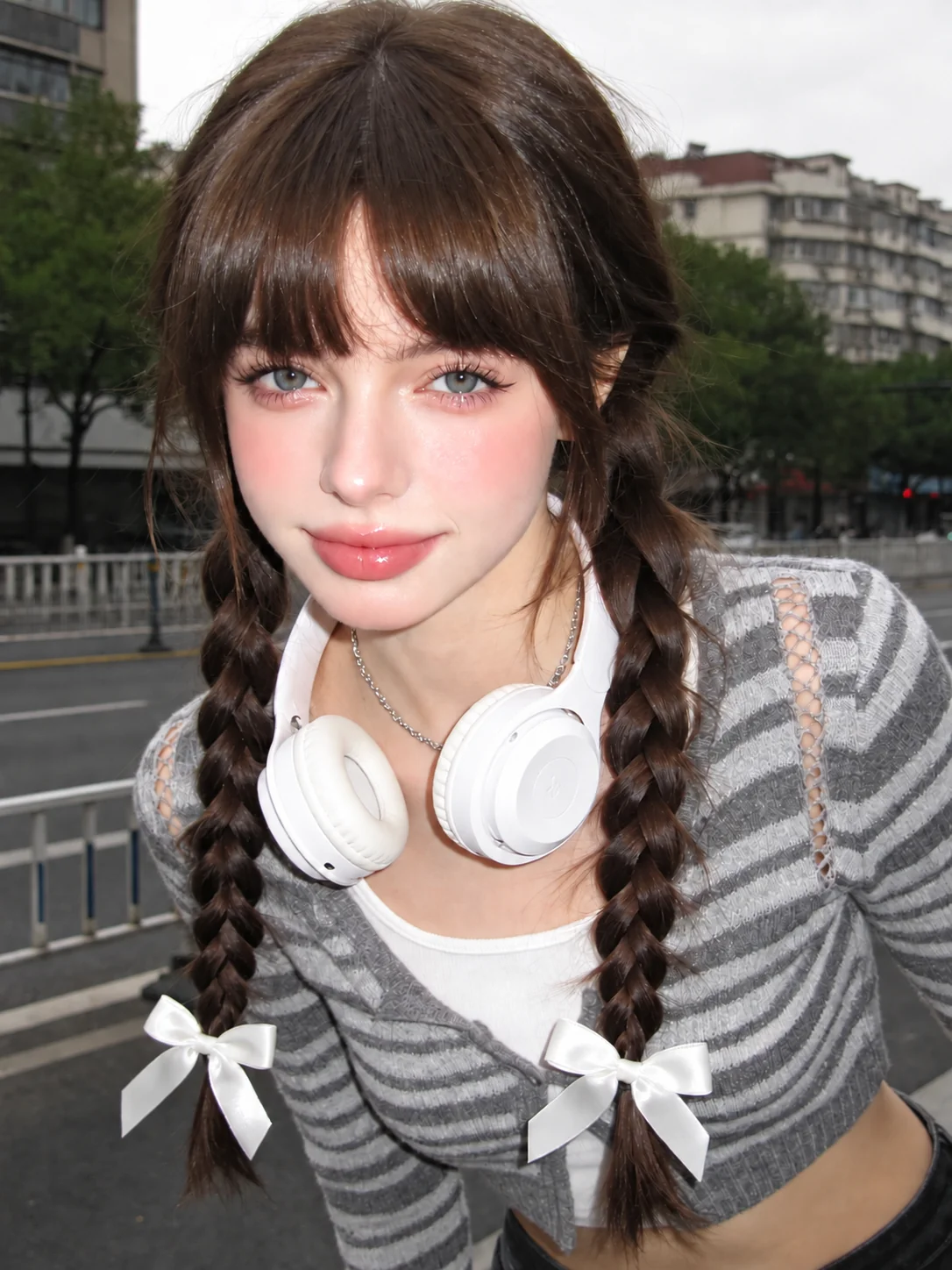
That arrangement is useful for a creator who has a clear idea but does not want to write a long prompt. Search the 20-reference library for a suitable body position, select it, and add the detail that matters for the original photo. Alternatively, leave the reference empty for a simple movement. The library provides starting points; it does not limit you to exactly those written pose names.
For example, a standing fashion photo might need the model to turn slightly while keeping a bag visible. The reference can establish the torso angle, while the text can explain how the hand should relate to the bag. Keep the instruction about the actual pose, especially when the reference picture contains unrelated styling. This is a preparation advantage of a clearly separated input design, not proof of better generated results.
Plan the order of a larger editing job
Establish the base photo
When a project needs several changes, decide which choices depend on others. A new pose may affect the position of a sleeve or the area around an arm. A final crop may remove a hand you worked to position carefully. Before generating variations, decide which parts of the picture must remain visible and where the finished image will appear. This can prevent working toward a result that does not fit the final layout.
Keep the steps manageable
One useful approach is to prepare the source, settle the body position, inspect important details, and only then finalize the presentation. That is an editorial suggestion rather than a required sequence for either service. If a tool lets you combine operations, make sure the combined request still has a clear success criterion. More simultaneous changes create more details to check before publication.
Review before you export
Our workspace concentrates on the pose stage. It is a reasonable fit when you want to complete that stage deliberately and already have another way to handle any remaining design work. If your priority is keeping many different edit types within a broader environment, evaluate that environment as a whole. The number of features on a landing page does not tell you how the complete session will feel.
- Define the destination: a profile image, social post, product image, or larger layout.
- Identify the body position you need before changing unrelated visual details.
- Inspect the pose result against the original photo, not only against an attractive reference.
- Apply the final crop only after checking that the important gesture will remain visible.
A group photo is a different requirement
Fotor’s pose documentation also advertises multi-person editing. We have not tested that feature, and our review of AI Pose Changer is limited to a photo with one main person. If your task is to reposition several people independently, treat it as a separate requirement rather than assuming that every tool with a pose-changing label supports the same workflow.
A useful group-photo brief would identify each person unambiguously and explain which relationships should stay the same. Who is seated? Who should turn? Which hands touch another person or an object? Those questions matter because a pose change can affect more than one body. For this kind of task, first verify the tool’s current input and selection behavior using its own documentation and interface.
If you only need one person from a larger photograph, decide whether a separate source image is appropriate for your project. Do not crop away context that the final image needs merely to force the task into a different tool. Choose around the actual deliverable. We do not present our dedicated single-person workflow as a replacement for every group-editing use case.
Review the controls before you generate
Our editor keeps the original image ratio and automatically generates at 2K with Medium quality. There are no resolution, quality, or aspect-ratio menus to manage. Your choices concern the photo, optional pose reference, and instructions. That keeps the preparation focused on the movement you want while every attempt uses the same output format and five-credit cost.
Prepare the source framing for the destination. The generated image follows the original ratio, so choose a source that leaves enough room around the head, hands, and feet. If your final design needs a square crop, prepare that source before uploading or crop the finished result separately. The fixed output format does not replace a clear composition or a pose instruction that fits the available space.
The editor guide walks through the current inputs and result flow. Prepared photos and instructions are saved in the same browser through sign-in, so you can review the draft when you return. Before submitting, confirm that the preview contains the intended source and that any selected reference still matches your instructions. Browser draft retention is not a promise of shared storage across devices.
Try a clear social-photo brief
Consider a social photo taken outdoors where the person looks too rigid. The background and clothes already work, so the desired change is modest: a relaxed stance and a slight turn. Write down the movement first and the details to retain second. A reference may help if you have a particular arm position in mind, but a short request can be enough to explain the idea.
Create a relaxed standing pose with a slight turn of the torso. Keep the same person and outfit. Let the arms rest naturally, preserve the outdoor setting, and keep the framing close to the source photo.
After generation, check whether the new pose still looks appropriate for the original setting. If the source has a railing, chair, or bag, inspect how the new body position interacts with it. Then compare the person and clothing with the original. These are suggested checks, not reported benchmark findings. Neither product’s marketing examples substitute for evaluating your own use case.
Use the same source and brief if you evaluate both services. Save the settings along with the results so that a later comparison is not based on memory. A successful test should answer whether the image serves your project, not merely whether a change occurred. We have not conducted that paid, controlled evaluation in this review.
Choose by workflow and usable-image cost
5 credits per image
- Starter · 200 credits
- 40 images
- Creator · 650 credits
- 130 images
- Studio · 2,500 credits
- 500 images
At 2K / Medium, our confirmed cost is five credits for one image. The current Starter pack is $9.90 for 200 credits, Creator is $29.90 for 650, and Studio is $99.90 for 2,500. Those allowances equal 40, 130, and 500 images at that setting. The corresponding pack cost per image is $0.2475, $0.23, or $0.1998 before extra attempts.
See our pricing details for the calculation and current terms. We have not verified an equivalent Fotor pose-edit price at matching output settings, so this page does not declare the cheaper service. Do not assume a general free-photo-editing offer covers every AI operation, or that a credit has the same value across platforms. Check the actual operation you plan to use before purchasing.
AI Pose Changer is a relevant Fotor pose changer alternative when you want a dedicated place to prepare a photo and direct a new stance. Choose around that focus if it matches your task. If broader retouching and design work dominate the project, include those needs in the decision. Our integrated generation flow is present in the current build, but real-account generation and output quality remain unverified in this editorial review.
AI Pose Changer vs Fotor: FAQ
Is reference-image editing exclusive to AI Pose Changer?
No. Fotor’s official pose page also describes using a pose picture. Our advantages discussed here concern the organization of the dedicated workspace, the optional input paths, and a consistent output format—not an exclusive claim about reference-based editing.
Which is better for a single pose adjustment?
Explore our editor if you want to keep the original photo, pose direction, and instructions together. The better fit depends on your source and the rest of your project. This AI Pose Changer vs Fotor review does not establish a generated-quality winner.
Does AI Pose Changer replace a complete photo editor?
Its current workflow focuses on changing the pose in an existing photo. Do not assume it includes every retouching, layout, or design operation you might need afterward. Identify those additional tasks before choosing your overall editing setup.
Can I compare prices using credit totals?
Not on their own. Compare the number of outputs, resolution, quality, and purchase conditions for the specific operation. Different services define their credits differently, and additional attempts affect the cost of the image you finally use.
Sources and review scope
Official sources were reviewed on September 16, 2026. Our feature descriptions reflect the current editor; claims about generated quality need separate testing. Prices and availability may change. This is our editorial comparison, not an endorsement by Fotor.
- Fotor: official change-image-pose tool
- Fotor: photo editing and creative toolkit
See how our editor works and our pricing details before deciding.