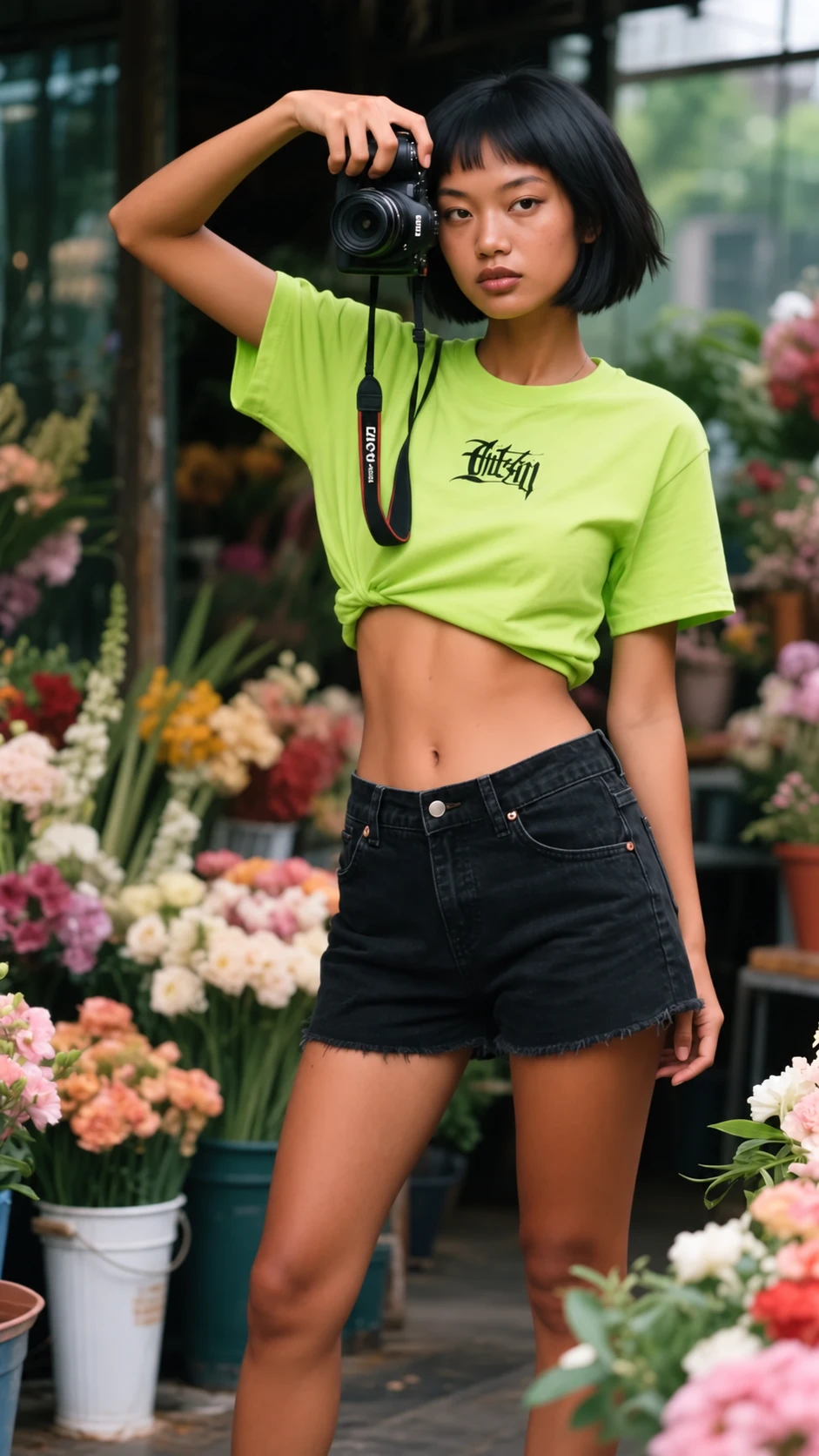
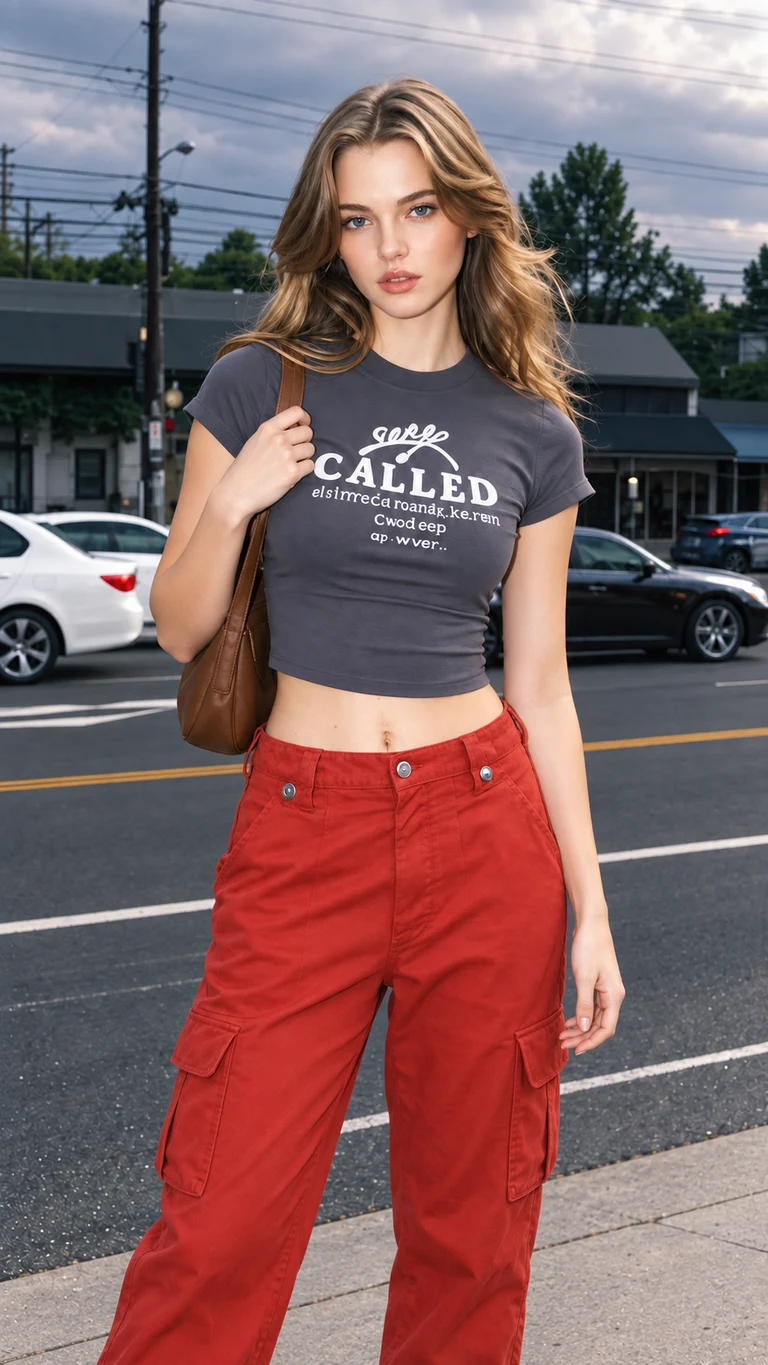
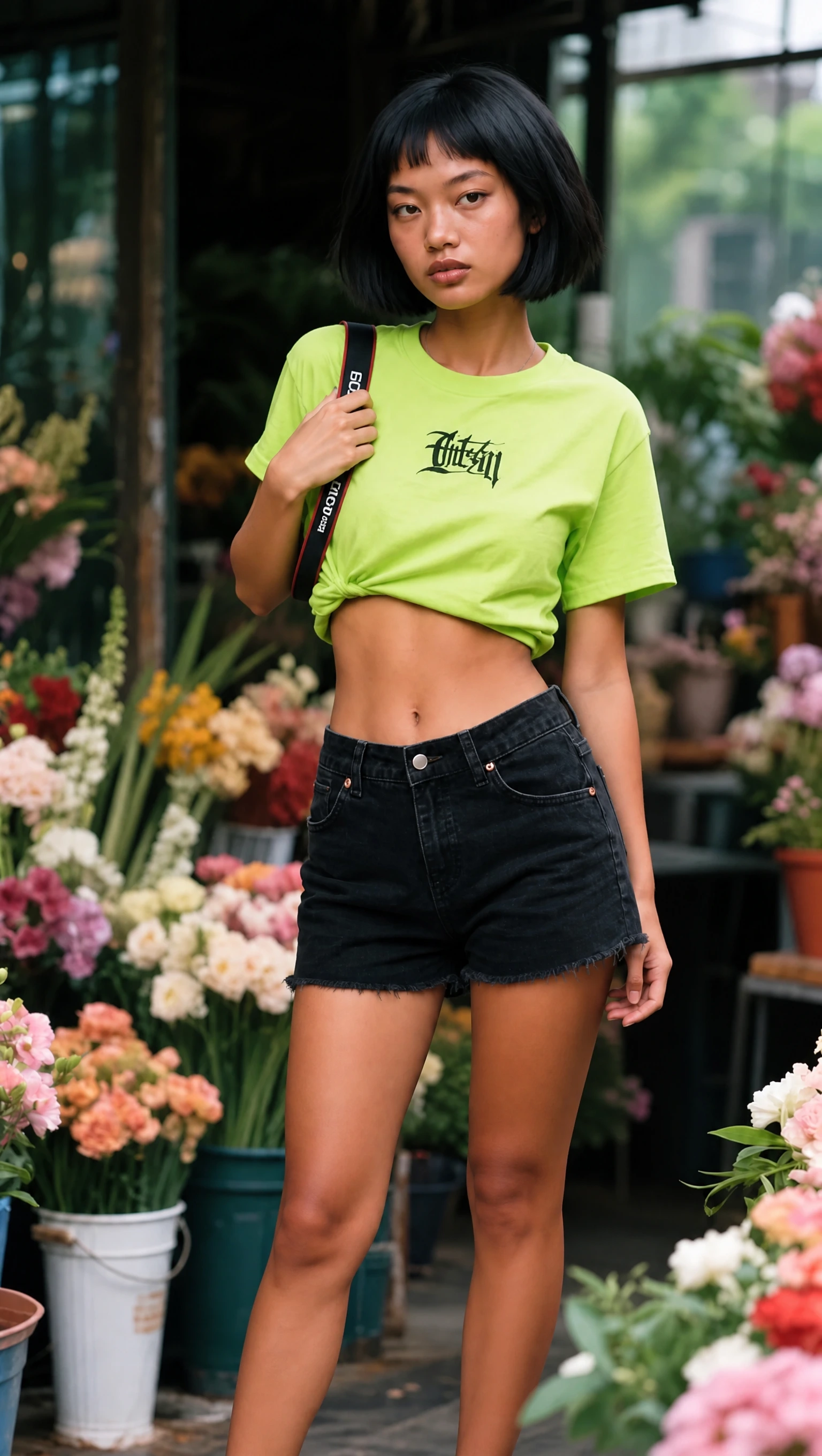
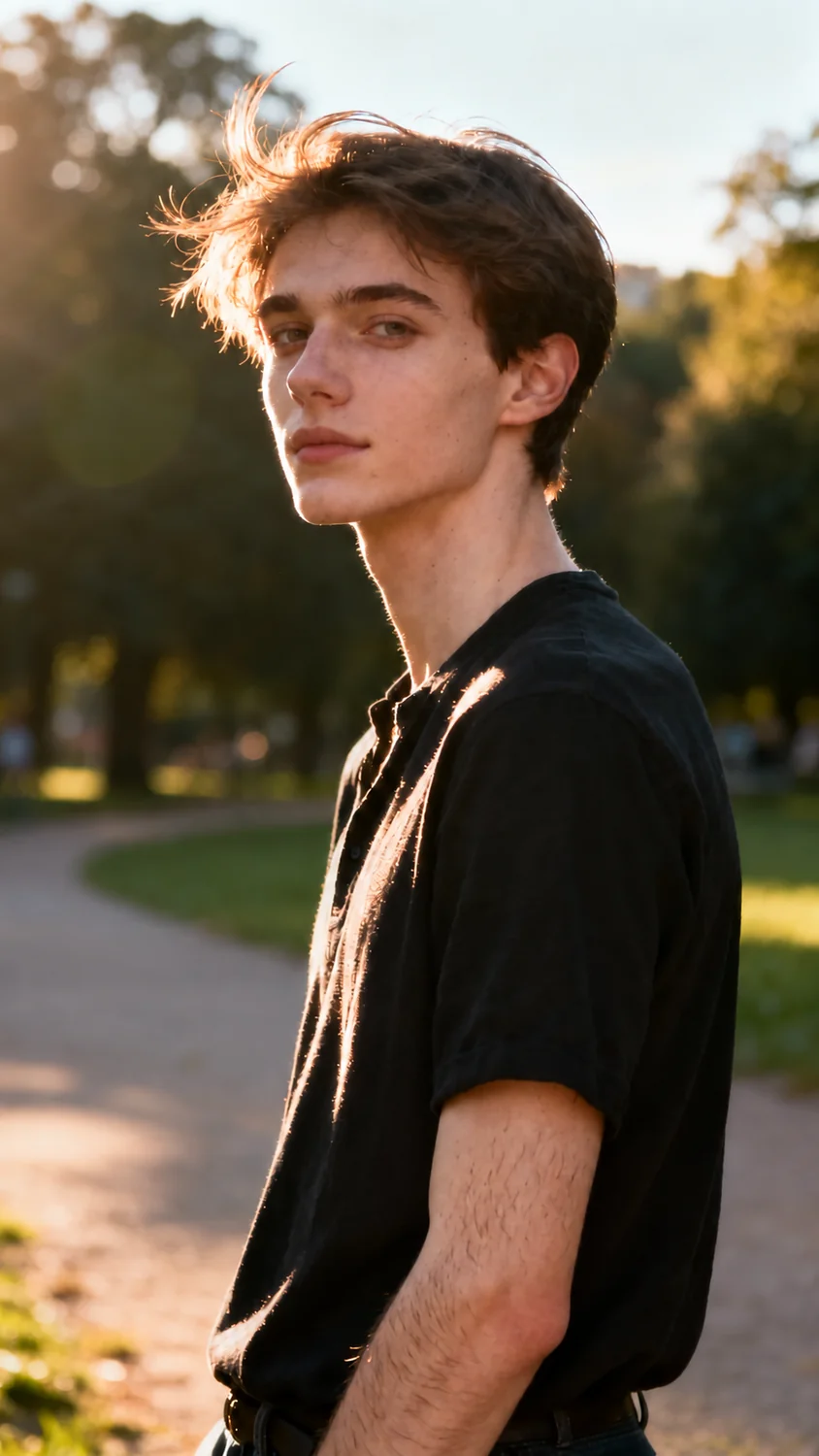
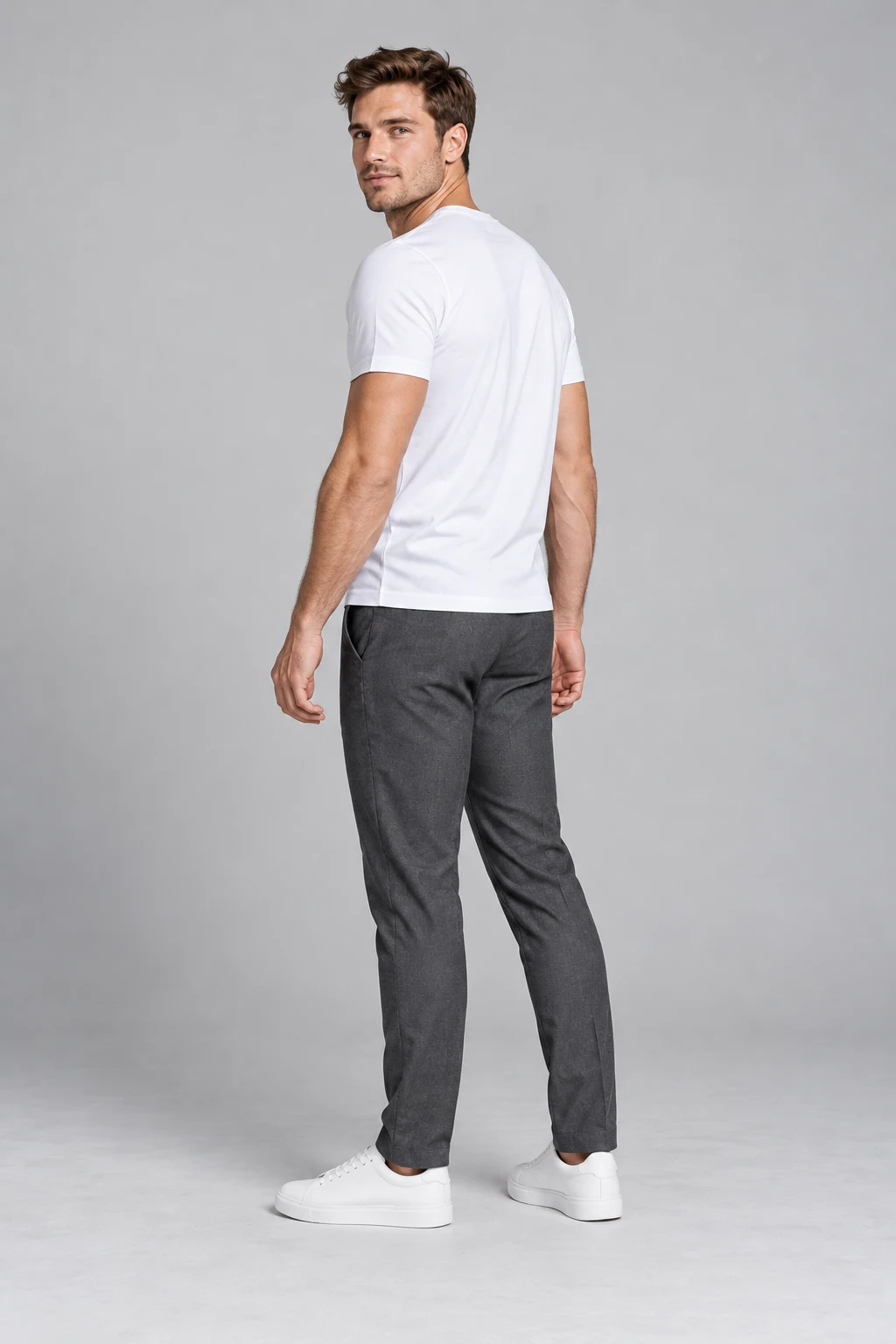
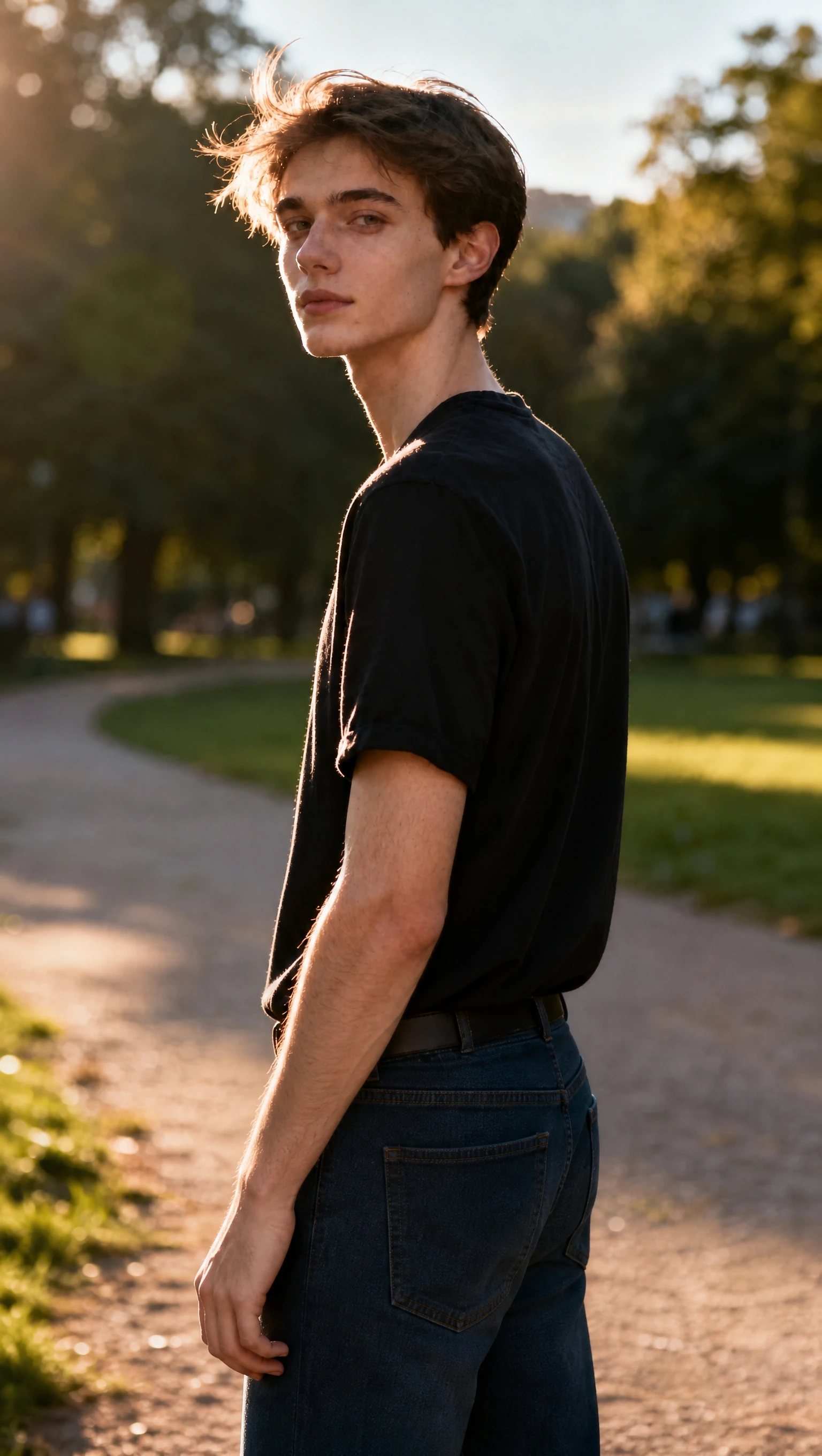
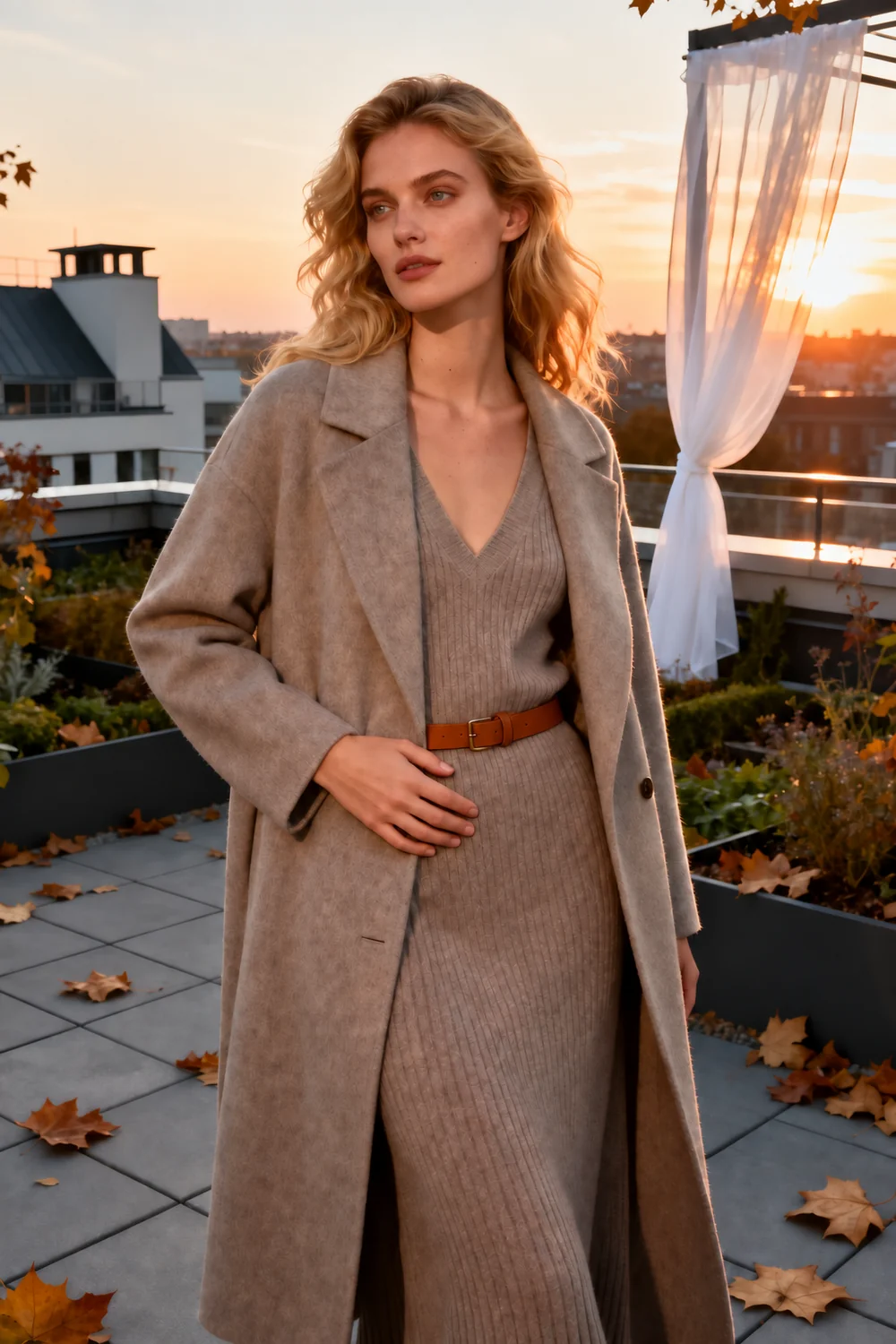
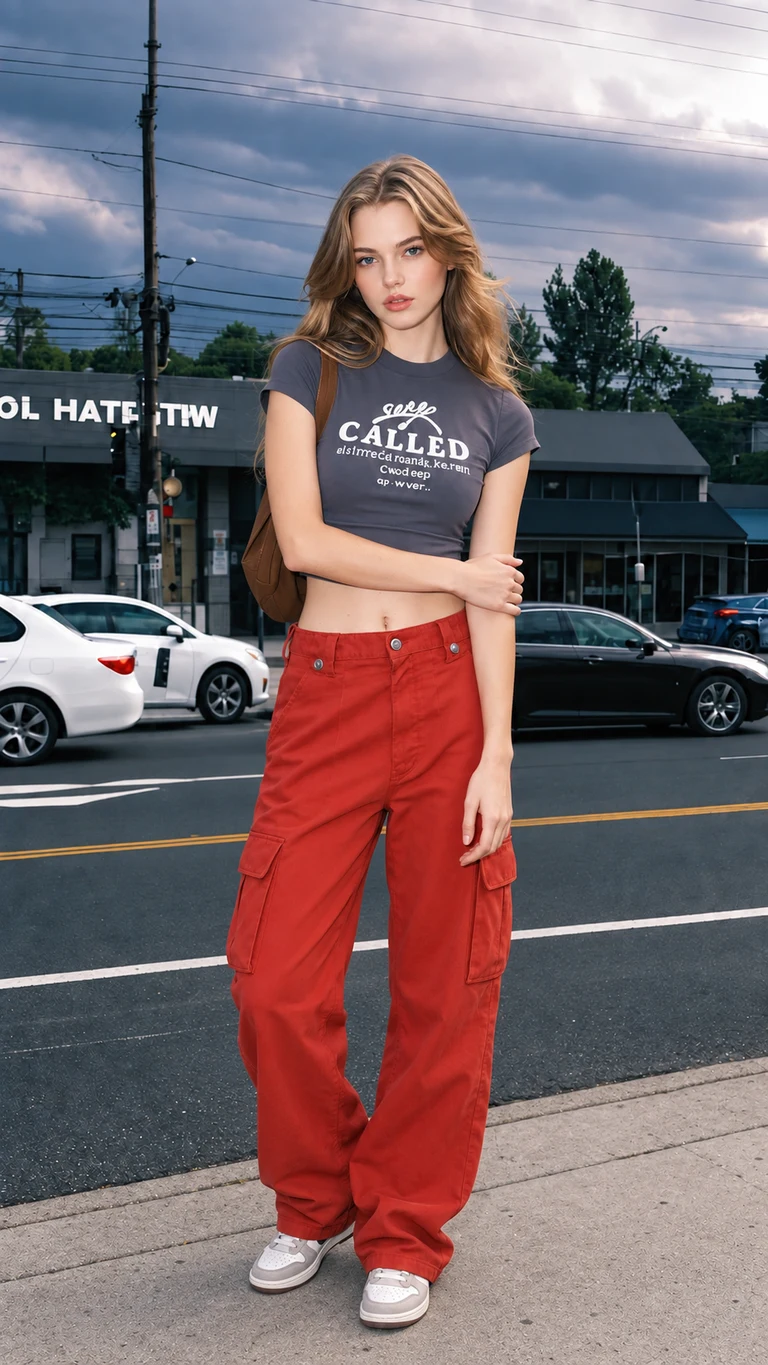
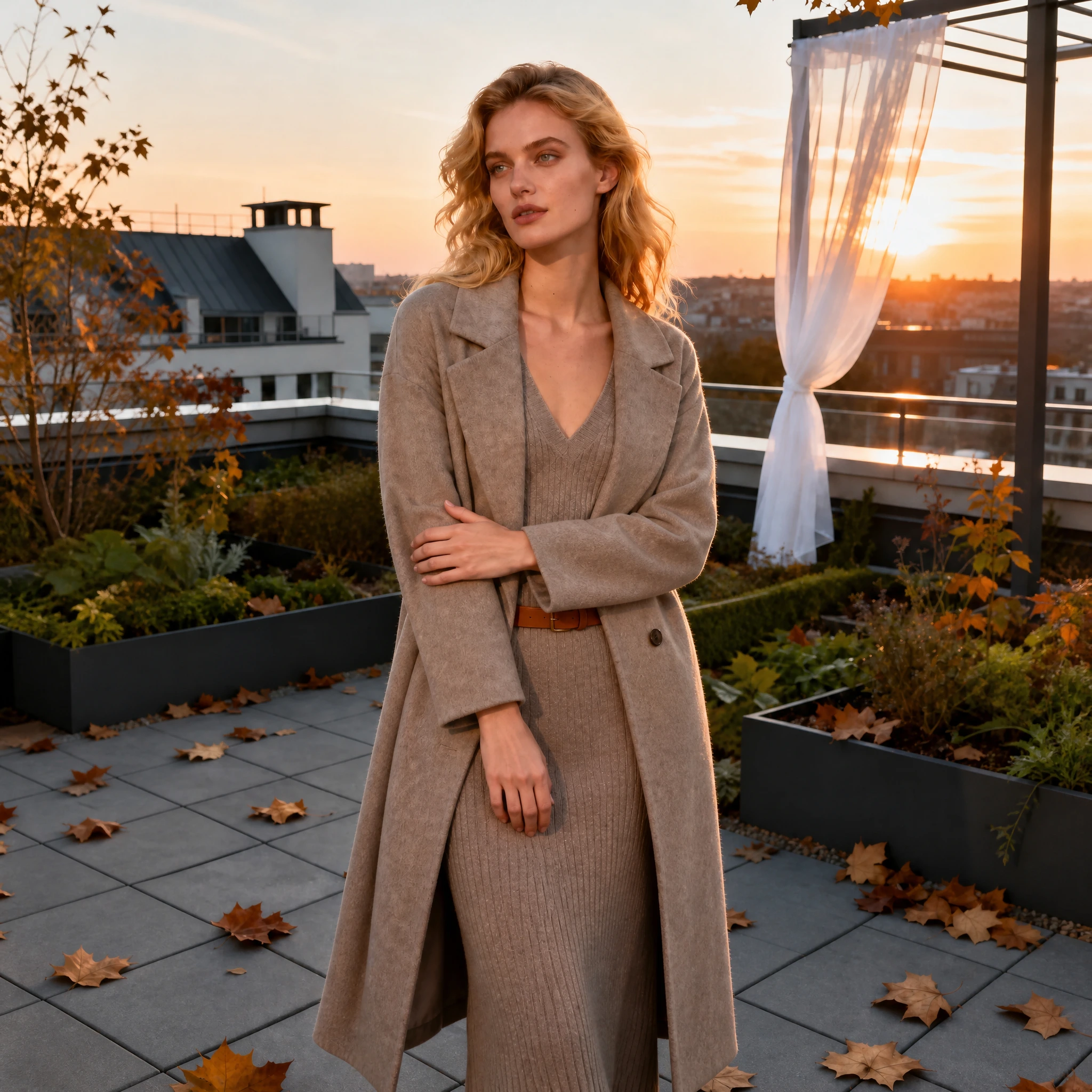
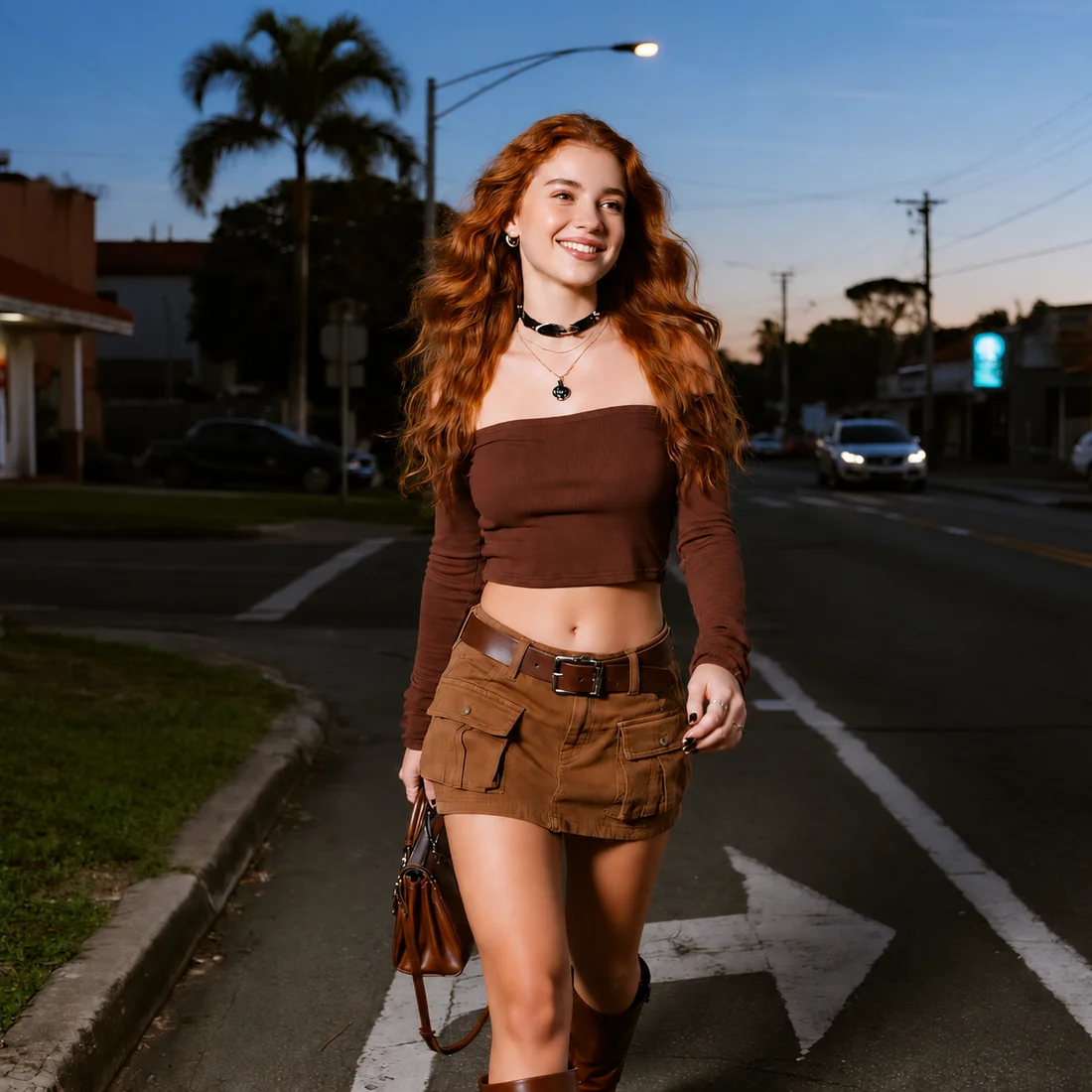
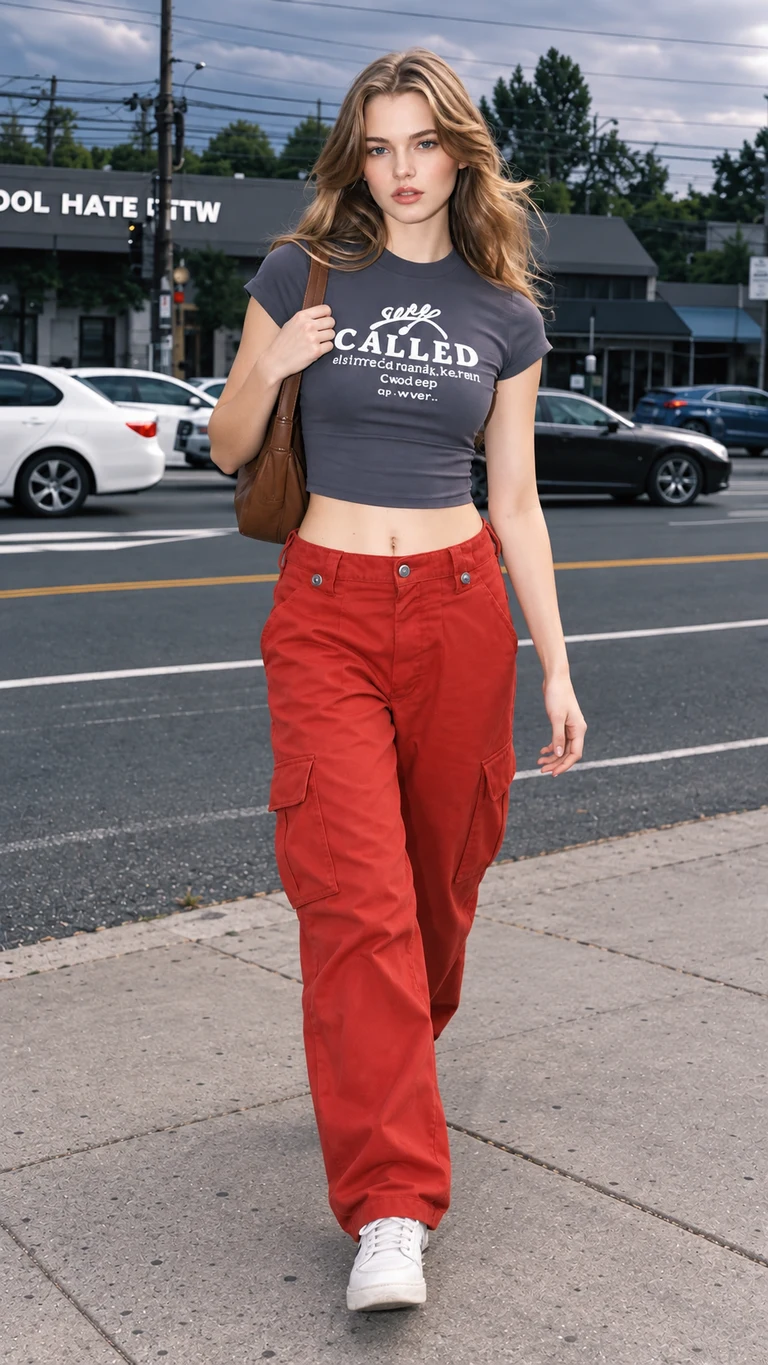
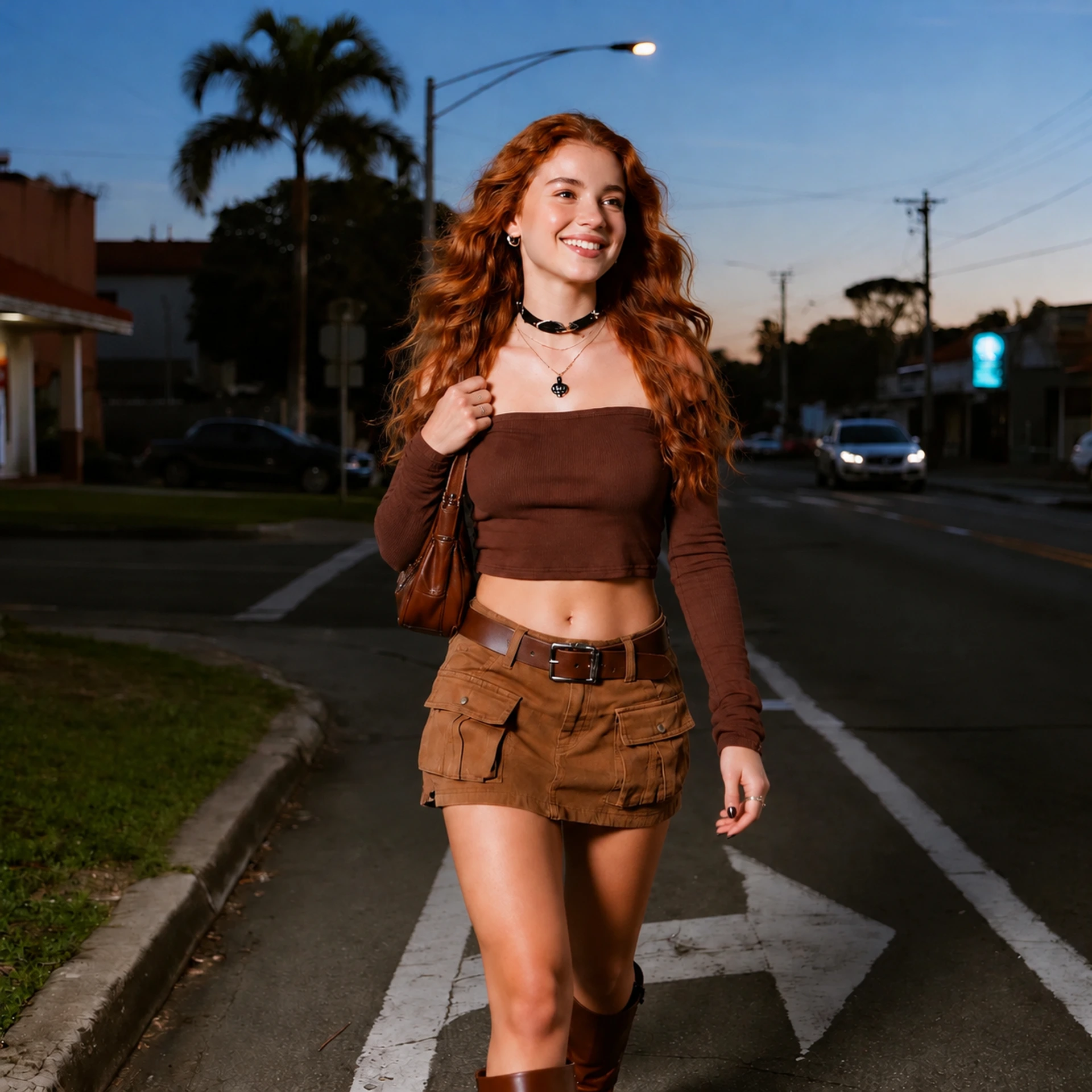
AI Pose Changer for Your Photos

Upload your photo and choose from 70 pose references, add your own reference, or describe a new pose. Explore a different hand position, shoulder angle, or stance in an existing portrait.

  1. 01Photo
  2. 02Pose
  3. 03Generate
Pose Workspace

Upload your photo, then choose or describe a pose.

Source photo

10 free sign-up credits · Two 2K images
Sign-in required to generate

JPG, PNG or WebP · Up to 20 MB
Starter photosChoose one to try the editor
Pose directionGuidance preview · looping video
Next: choose a pose
Pose guidance animation · results vary.
Compare the faceCheck the outfitReview the scene

Browse 70 pose references

35 women’s poses and 35 men’s poses, including 10 half-body portraits in each group. Explore standing, seated, walking, lying-down, and hand-placement ideas. Choose a reference to carry it into the editor.

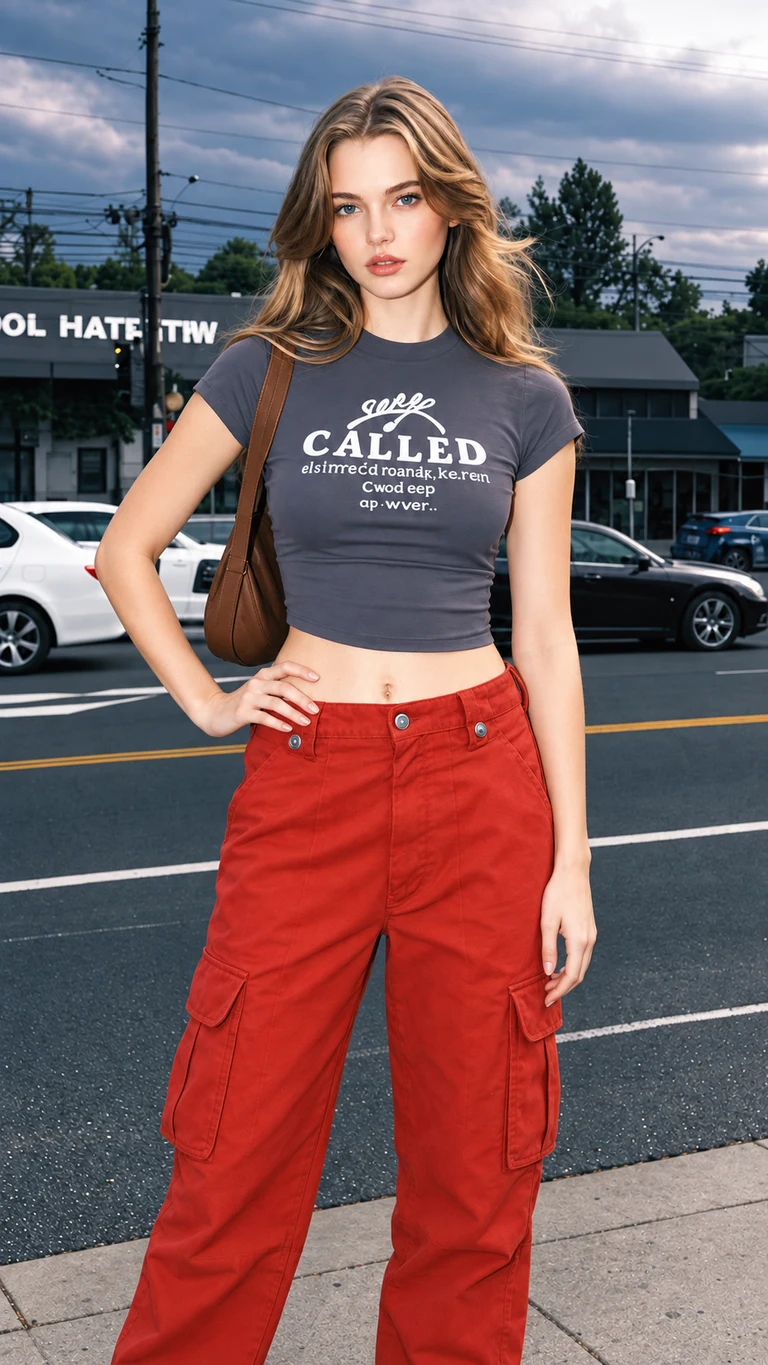
Hand on hip pose reference
Hand on hip
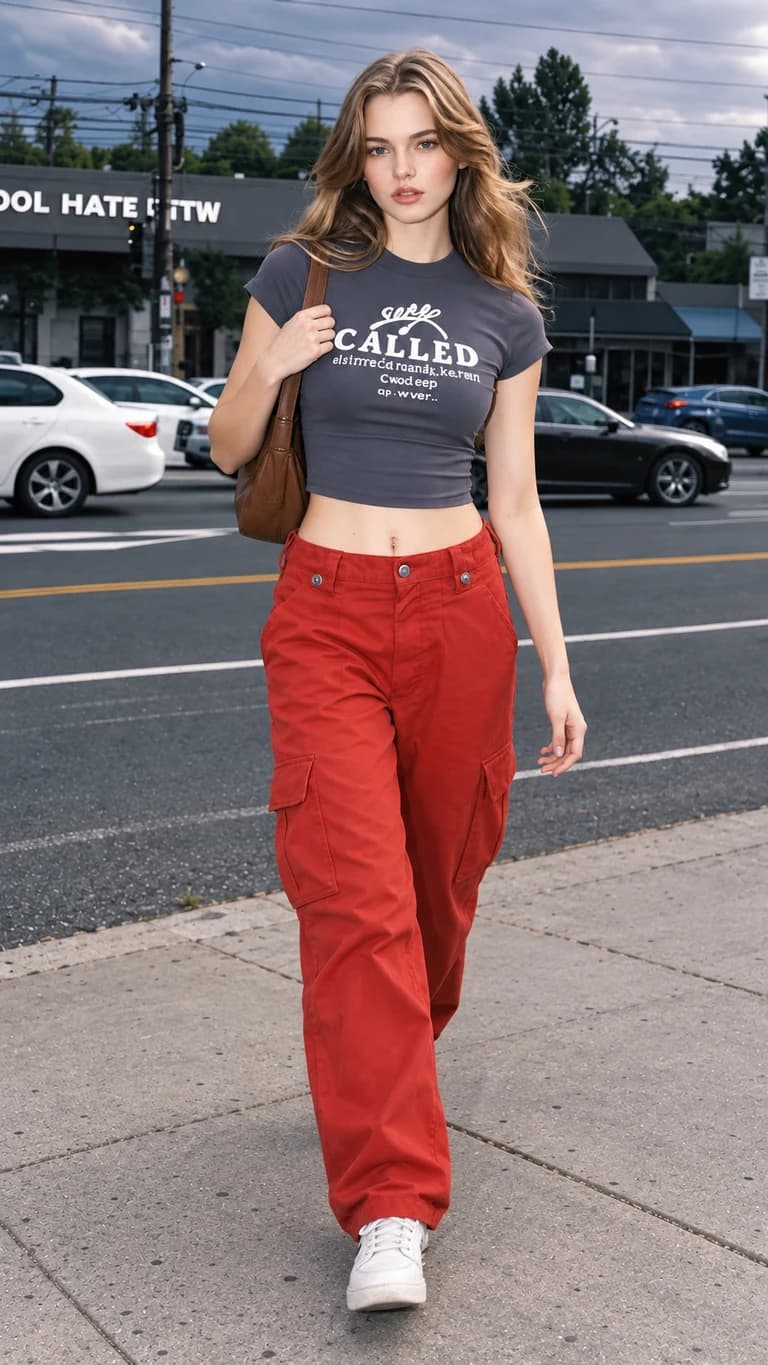
Walking forward pose reference
Walking forward
Seated facing forward pose reference
Seated facing forward
Arms crossed pose reference
Arms crossed
Seated upright pose reference
Seated upright
Crouching pose reference
Crouching
POSE GUIDE

Find your next pose

Choose a reference for body position and hand placement.

Pose references are optional. You can also upload your own image or describe a pose.

Reference images guide body position. You can also upload your own reference or describe a pose in words.

AI Pose Changer: Before and After

Compare five real pose-editing examples using our library references. View the original image, the pose guide, and the generated result, with notes on what changed and what still needs checking.

Example 1 of 5

Hand on hip

Outfit photo: compare a relaxed arm with a hand-on-hip pose that frames the waist.

Original image
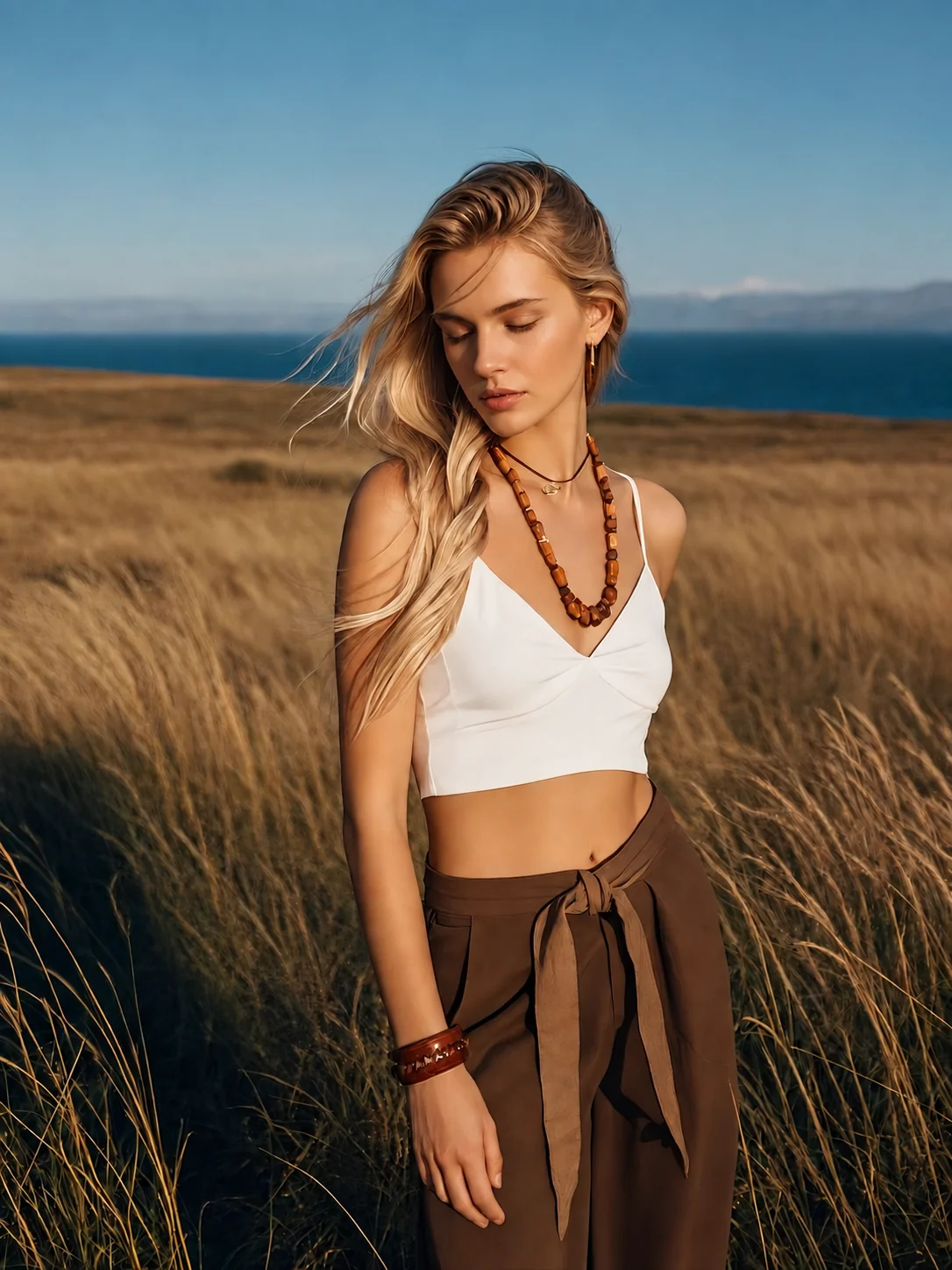
Woman looking downward in an open grassland
Pose reference
Hand on hip from the pose library
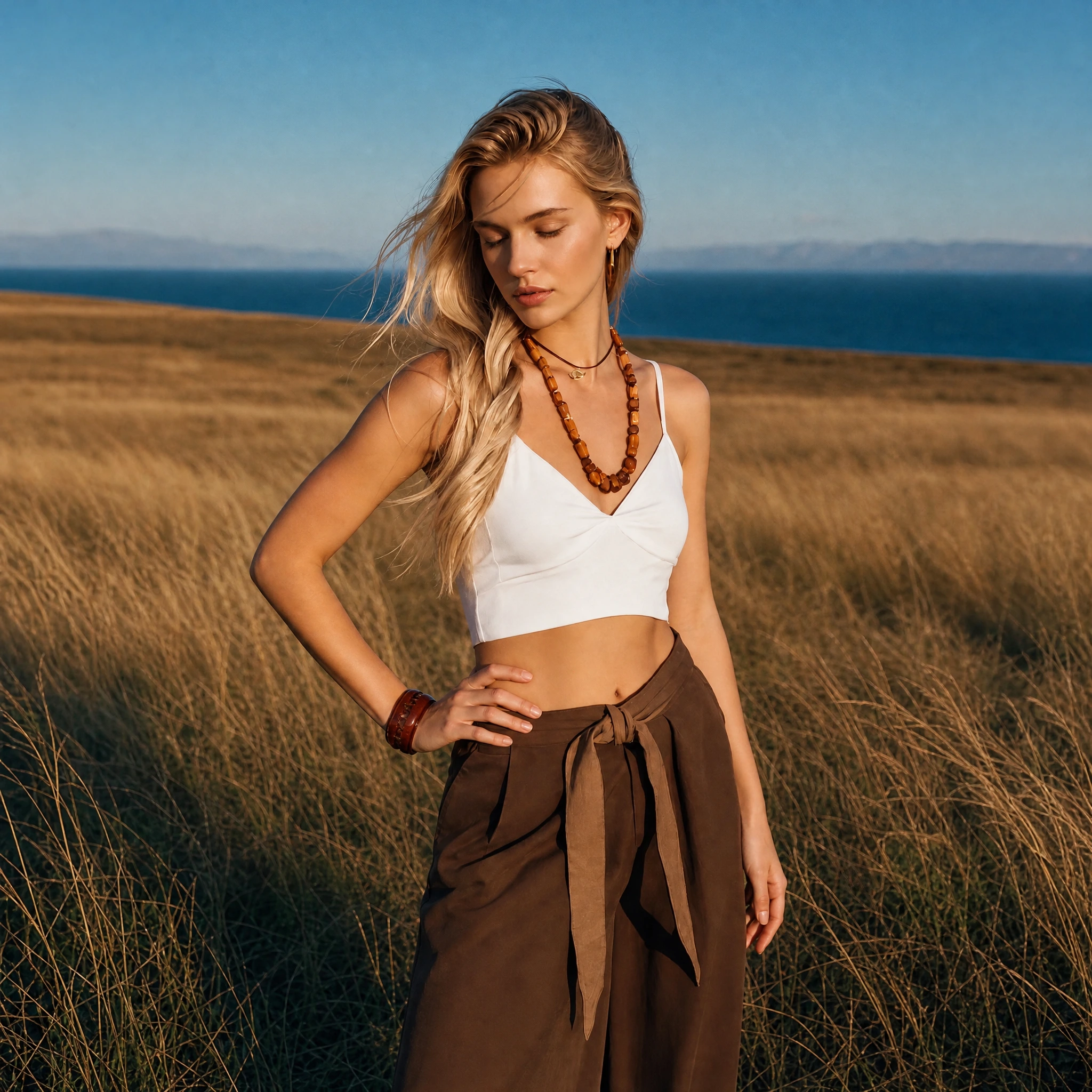
Actual generated result
AI pose edit result: Hand on hip

What changed

The arm on the left of the image bends outward and the hand rests at the waist. The downward gaze, white top, brown trousers, and coastal grassland remain recognizable.

What to check

The output is square rather than the original portrait format. Framing, clothing folds, and background details also change; this is not an edit of the arm alone.

Our team tested these five examples using the same prompt, a library pose reference, and 2K / Medium settings. Each example shows the result from a single generation, rather than a selection from repeated attempts. Generation usually took about one minute in these tests. The team supplied the generated results without post-generation retouching; display copies are converted to WebP for the website.

Test results supplied on October 14, 2026. These examples show pose edits of portrait images. Results are individual examples, not a success-rate benchmark or a guarantee of identical faces, clothing, backgrounds, or framing. Open any image to inspect it in full.

Read our full AI Pose Changer review for the five-case scoring method, detail checks, timing, and credit costs.

AI Pose Changer features

Decide what should move and what should stay before generating. Use the reference for body position and your instructions for the details that matter.

Use a reference photo to guide the pose

Woman resting her cheek against her hand at a cafe table
Pose reference: a relaxed seated portrait.

Add your own pose reference when a body angle or hand position is hard to describe. The reference guides movement; your source photo supplies the person and setting.

  • Gentle head tilt
  • Supported elbow
  • Relaxed shoulders

Keep recognizable details in focus

The person
Specify whether the head should turn with the shoulders or keep facing the camera. See our facial likeness guide.
The outfit
Name any accessories that matter, such as a shoulder bag or camera, and say how they should be held.
The setting
Ask to keep the original setting when you want a pose variation within the same scene.

Photo inputs, saved drafts, and generation credits

Keep your source, pose reference, and instructions together as you prepare an edit.

Choose visually or use words

Browse 70 references or describe a custom movement. A reference is optional, so you can start with the input that best expresses your idea.

Continue from your draft

The editor keeps your draft in this browser as you move between pages. Check your source and selected reference before submitting.

Inspect the full-size result

Open the generated image at full size before saving. This makes small changes to fingers, accessories, and clothing easier to see.

How to change a pose in three steps

Prepare your photo and pose, then sign in to generate. The step-by-step guide covers the full workflow.

  1. Upload your photo

    Choose a JPG, PNG, or WebP file up to 20 MB. Use a clear photo of one person with enough space around the body for your intended movement.

  2. Choose or describe a pose

    Select a library reference, upload your own, or write a specific instruction. Include which hand or shoulder moves and which details should stay.

  3. Generate, review, and download

    Sign in to generate, then open the full-size result. Compare it with your source and save the version you want to use.

Need help choosing your instructions?

A specific movement is easier to follow than a general request. Find more pose prompts, learn how to check facial likeness, or fix an awkward pose.

A LITTLE TOO VAGUE

Make the pose look better.

A CLEARER DIRECTION
Turn the shoulders slightly toward the camera, rest the left hand on the hip, and keep the right arm relaxed. Preserve the face, outfit, and background.

Image credits and one-time pricing

New accounts receive 10 welcome credits. Each 2K / Medium image uses 5 credits. If you need more, choose a one-time pack below. Sign in to see your actual balance.

Starter

For occasional edits

200 credits for up to 40 images at 5 credits per image. A one-time purchase.

200 creditsUp to 40 generated images5 credits per image · 2K quality
$9.90 USD

One-time credit pack

Included in every pack
  • Original image ratio · 2K / Medium
  • Photo upload & pose references
  • Pose library & text instructions
  • Download your generated images
  • $0.248 per image
  • 200 credits per purchase
  • 5 credits for each generated image
  • Review each output before using it

Creator

For regular projects

650 credits for up to 130 images at 5 credits per image. A one-time purchase.

650 creditsUp to 130 generated images5 credits per image · 2K quality
$29.90 USD

One-time credit pack

Included in every pack
  • Original image ratio · 2K / Medium
  • Photo upload & pose references
  • Pose library & text instructions
  • Download your generated images
  • $0.230 per image
  • 650 credits per purchase
  • Each additional generation uses credits
  • About 7% lower image cost than Starter

Studio

Lowest cost per image

2,500 credits for up to 500 images. The lowest per-image cost among these three packs.

2,500 creditsUp to 500 generated images5 credits per image · 2K quality
$99.90 USD

One-time credit pack

Included in every pack
  • Original image ratio · 2K / Medium
  • Photo upload & pose references
  • Pose library & text instructions
  • Download your generated images
  • $0.200 per image
  • 2,500 credits per purchase
  • Each additional generation uses credits
  • About 19% lower image cost than Starter
Checking current credit packs…

See the pricing details and refund policy before purchasing.

AI Pose Changer questions, answered

Are credits returned if generation fails?

Credits are automatically returned when a generation task fails. Check your account balance after the task is marked as failed. If the credits have not appeared, contact support@aiposechanger.net with your task details.

How long does a pose edit take?

In our team's tests, generation usually took about one minute. This is an estimate, not a guaranteed completion time; processing time can vary.

Does downloading add a watermark?

The download feature saves the generated image without adding an extra watermark. Open the full-size result to inspect it before saving.

Is AI Pose Changer free to try?

New accounts receive 10 welcome credits after registration, enough for two 2K / Medium images at 5 credits each. Further edits require available credits; additional credits come in one-time packs. Sign in to see your actual balance.

Do I need an account to change a pose?

You can browse the pose library and prepare a photo before signing in. An account and enough credits are required to submit a generation request.

Do I need a pose reference photo?

No. You can describe the pose in words, select one of the 70 built-in references, or upload your own. A reference is useful for showing a particular stance or hand placement.

Will my face, outfit, and background stay the same?

Preserving these details is an editing goal, not a guarantee. Large turns, hidden features, and complex clothing can introduce changes. Compare the generated face, hands, outfit, and scene with your original before using the result.

What kinds of photos work best?

Start with a sharp, well-lit photo of one clearly visible person. Include the body parts you want to move. Full-body changes benefit from a wider crop; a close headshot gives the model less information about the rest of the body.

What file types and output settings are supported?

Upload a JPG, PNG, or WebP image up to 20 MB. Edits use 2K / Medium and cost 5 credits per image. Check the framing and actual downloaded image before using it for a specific print or publishing requirement.

What happens to the photos I upload?

The editor stores your draft in this browser. When you generate, the source photo, optional reference, and instructions are sent to our service and image-generation provider to process the edit. Review our Privacy Policy for storage, service providers, and deletion requests. Read the Privacy Policy.

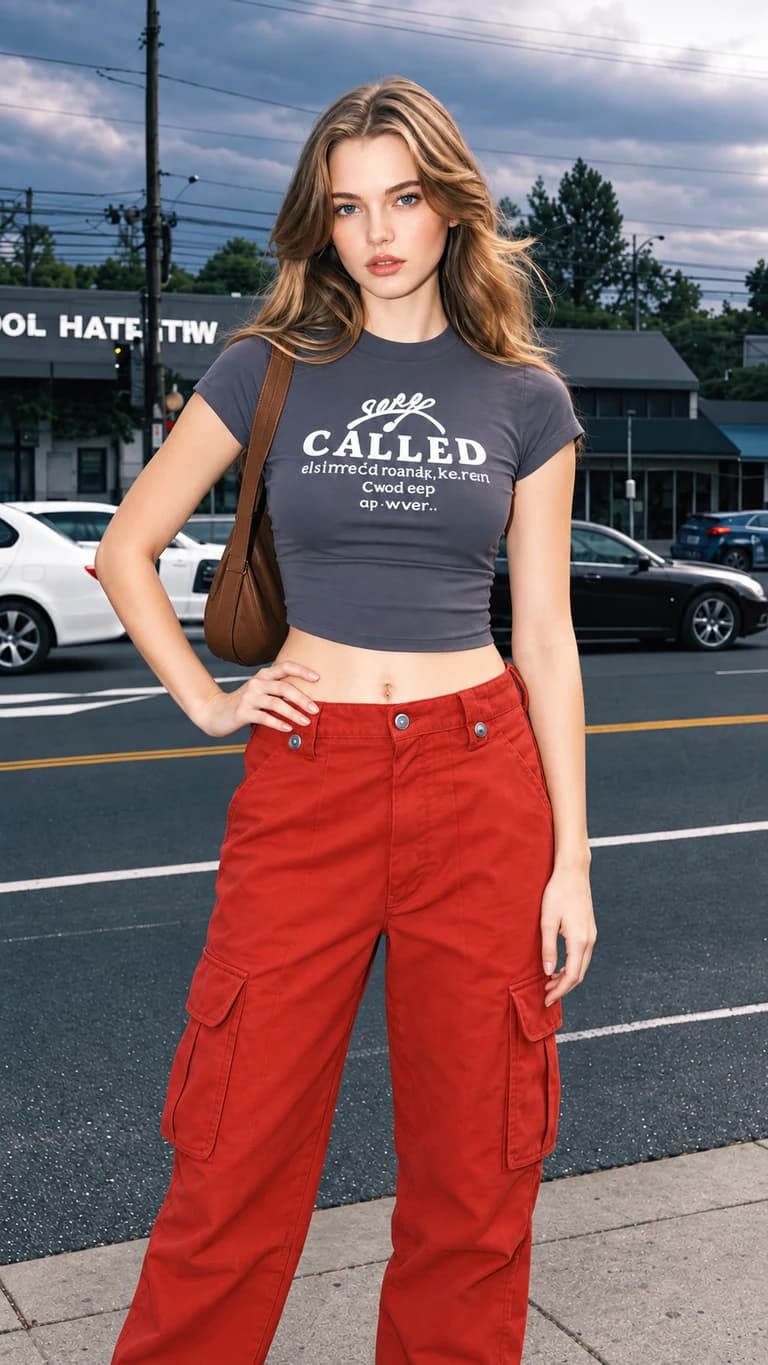
Open the photo pose editor

Start with the photo you want to edit and one specific change, such as moving a hand or turning a shoulder.

Open AI Pose Changer