
Standing Poses & Body Direction
Change pose in photo with a relaxed stance or gentle torso turn, keeping your face, outfit, and setting in view.
Change pose in photo with AI to explore a stance, arm position, or seated look. Start with your image, guide the edit with a reference or description.
Animation paused for your motion settings. Select Play to watch.
Example workflow · Choose your photo to start
Your generated image will appear here.
Explore different people and perspectives before you change pose in photo.
Create your next pose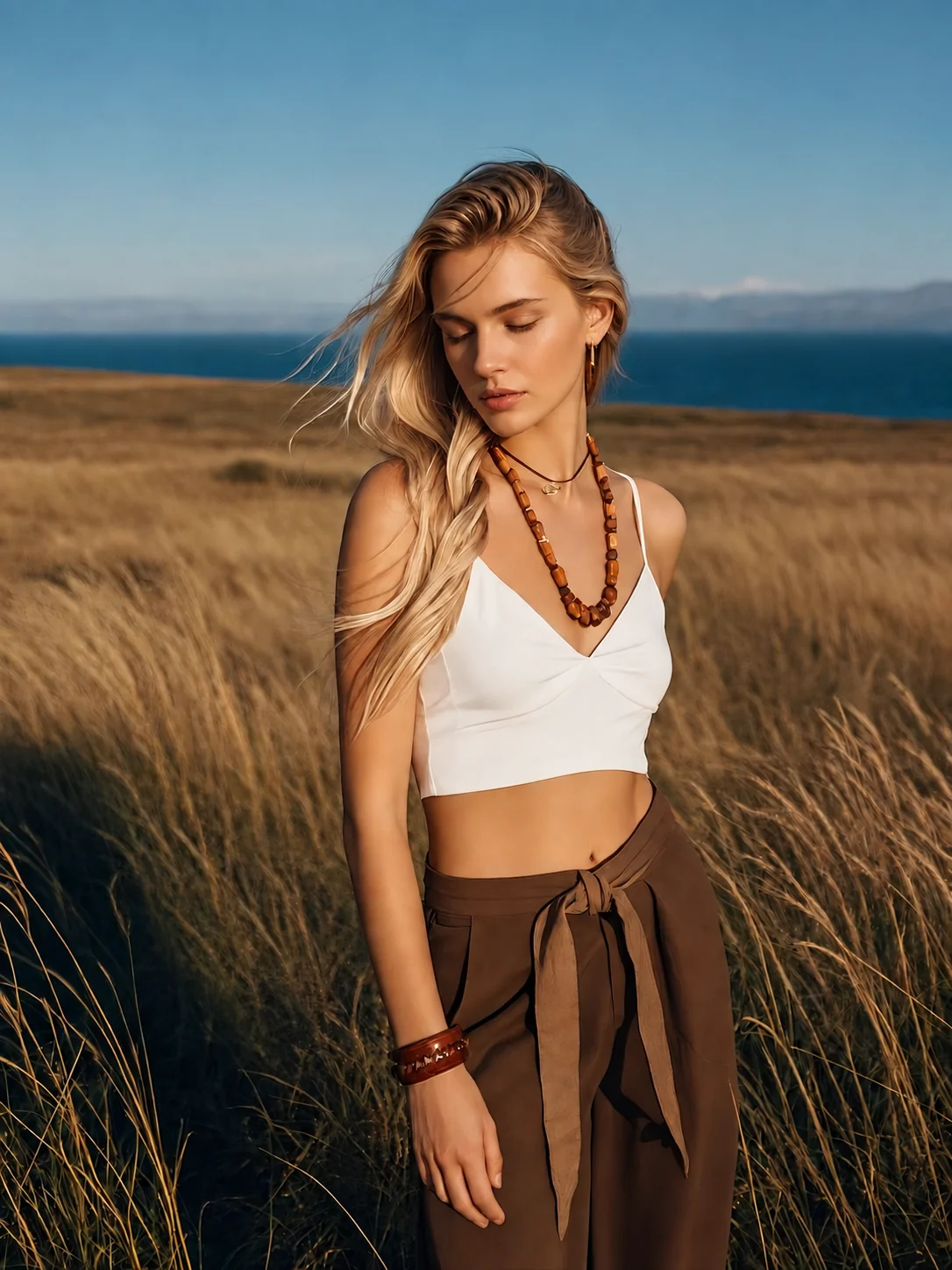
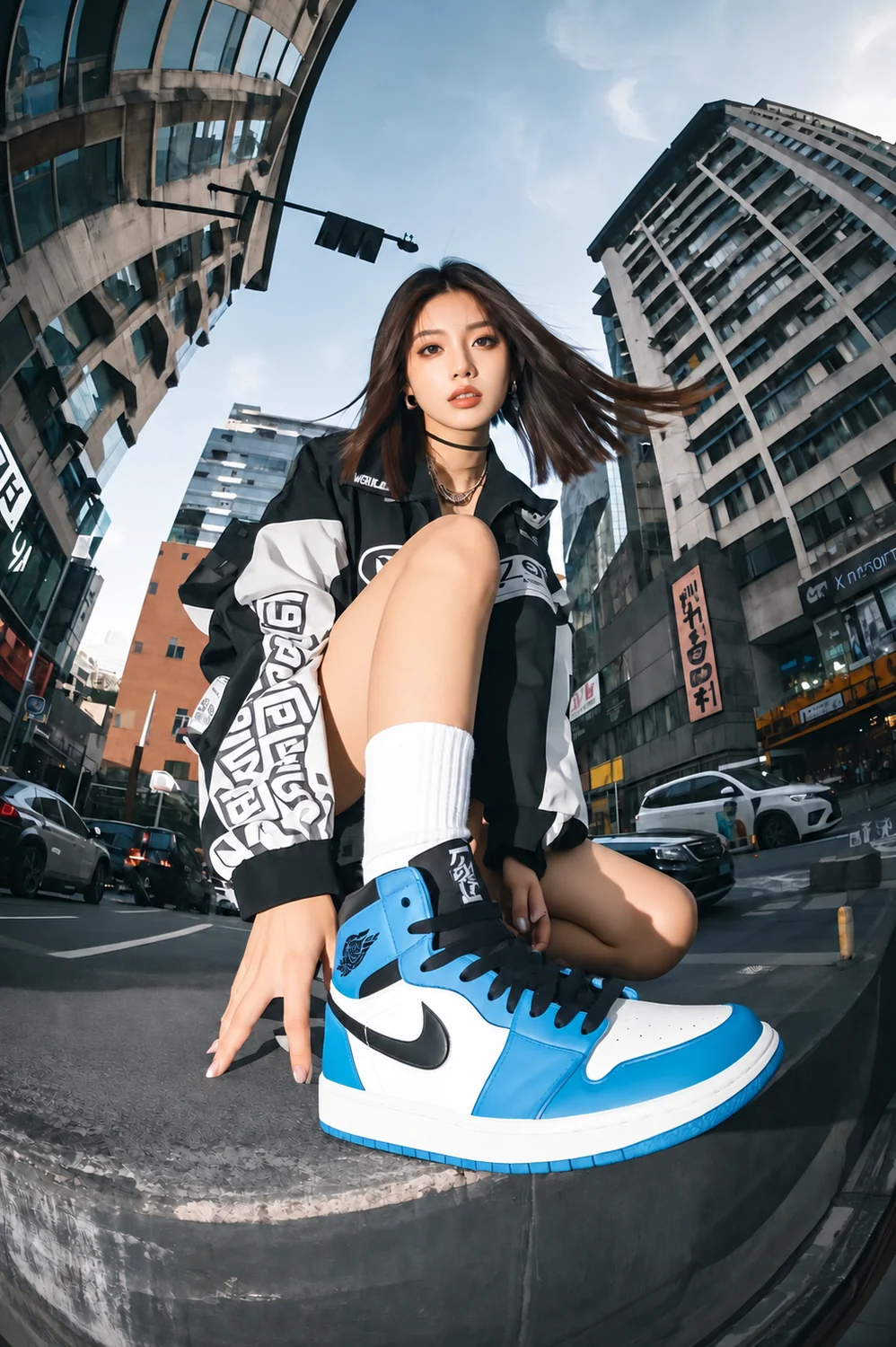
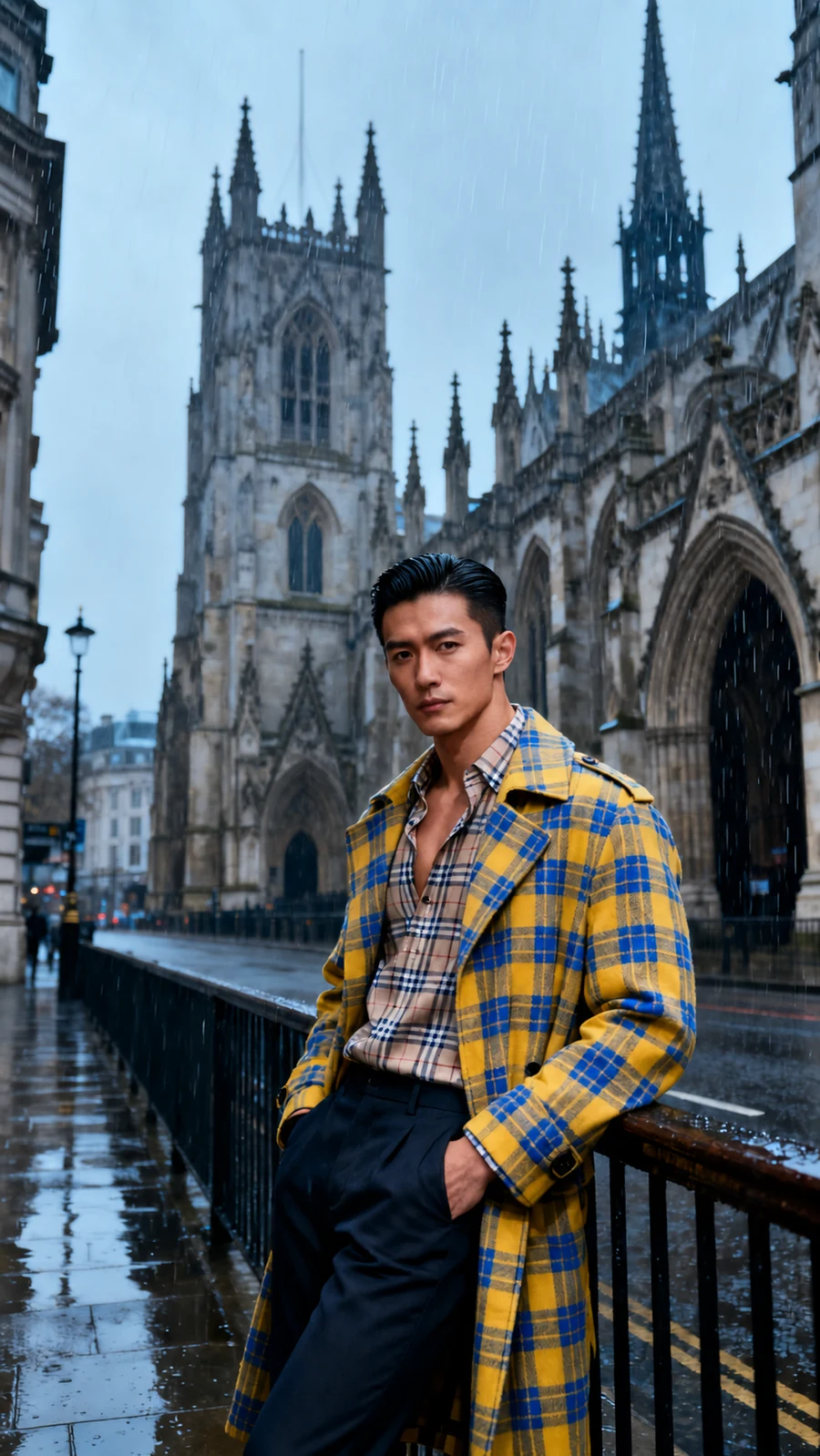
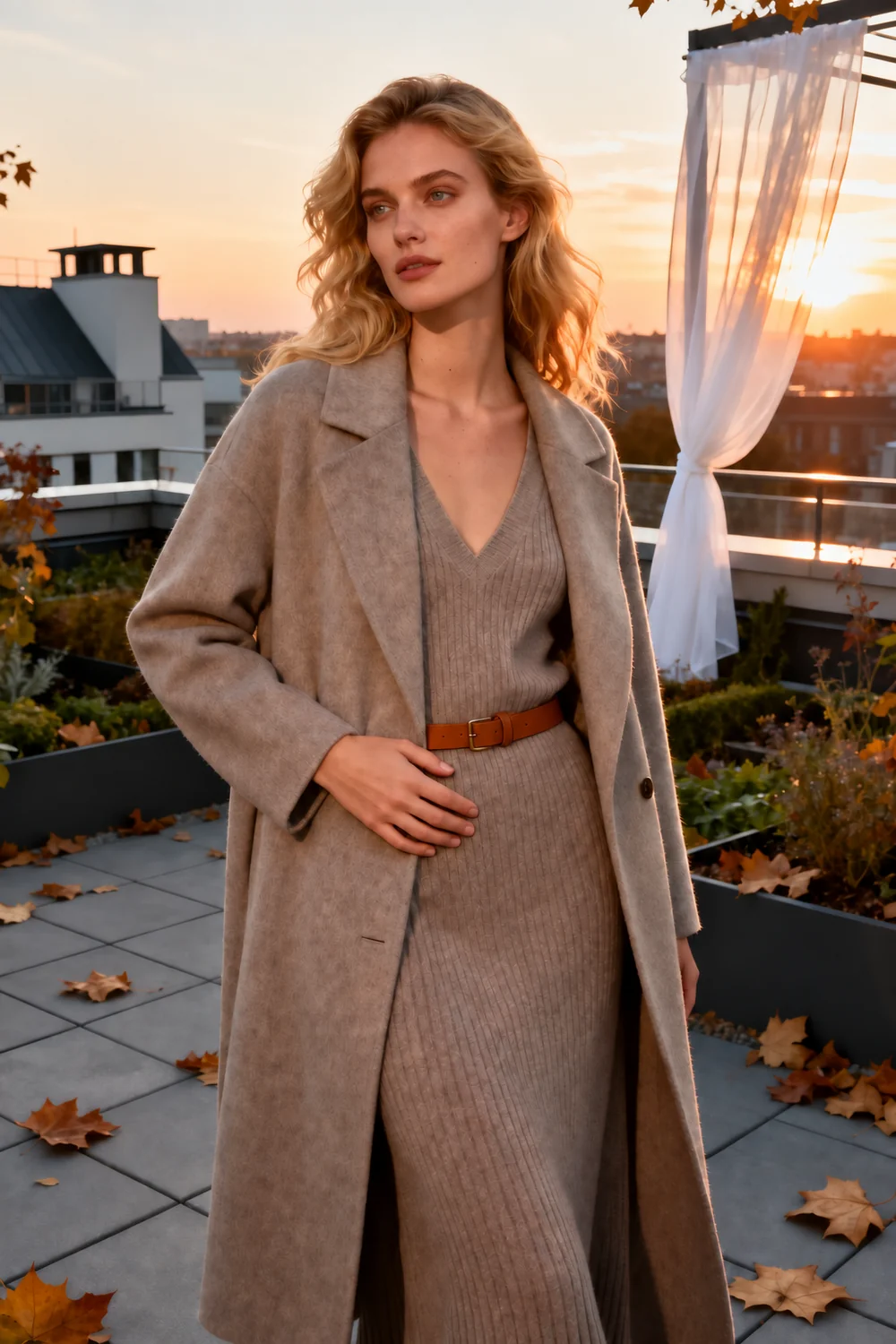
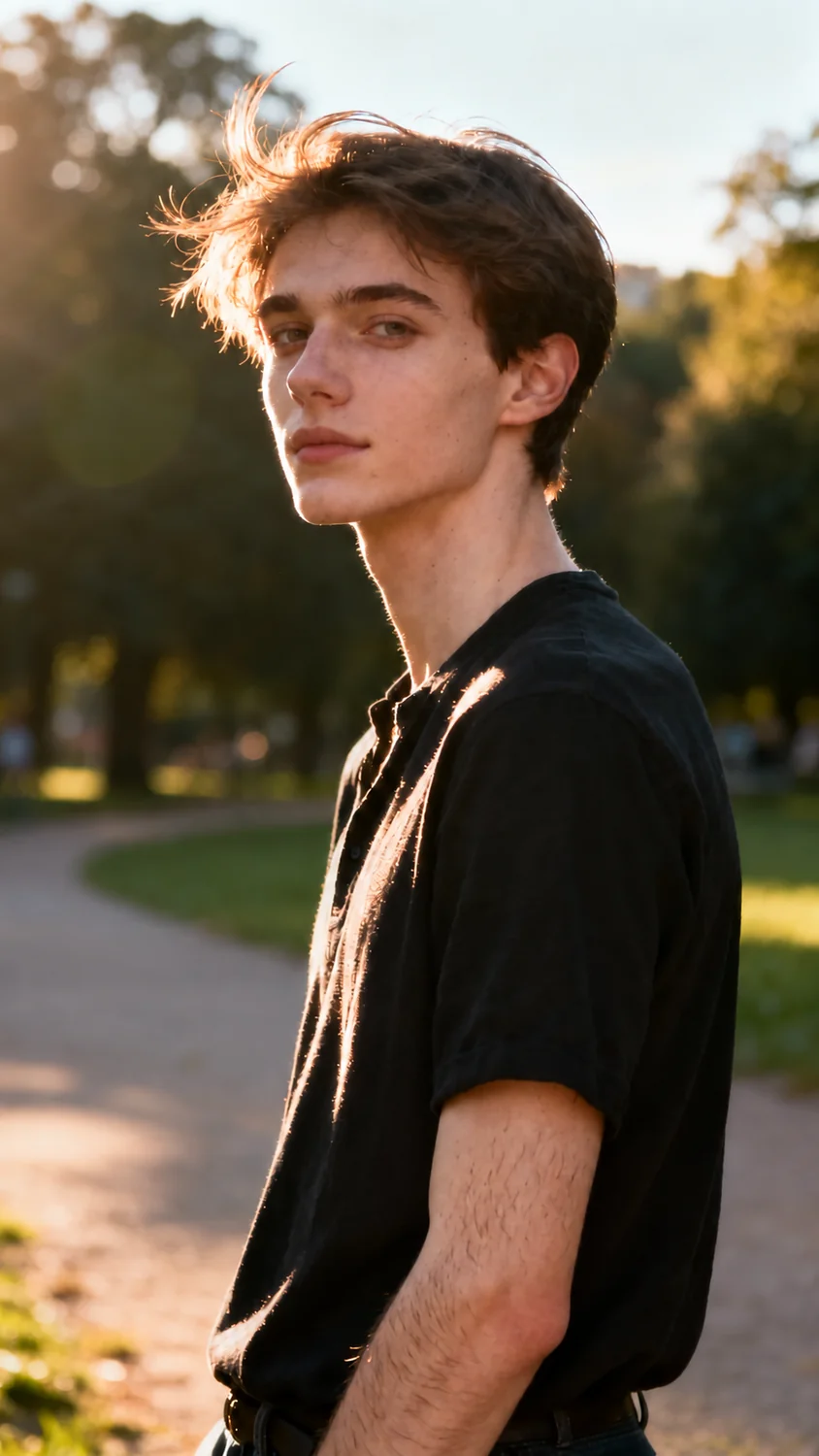
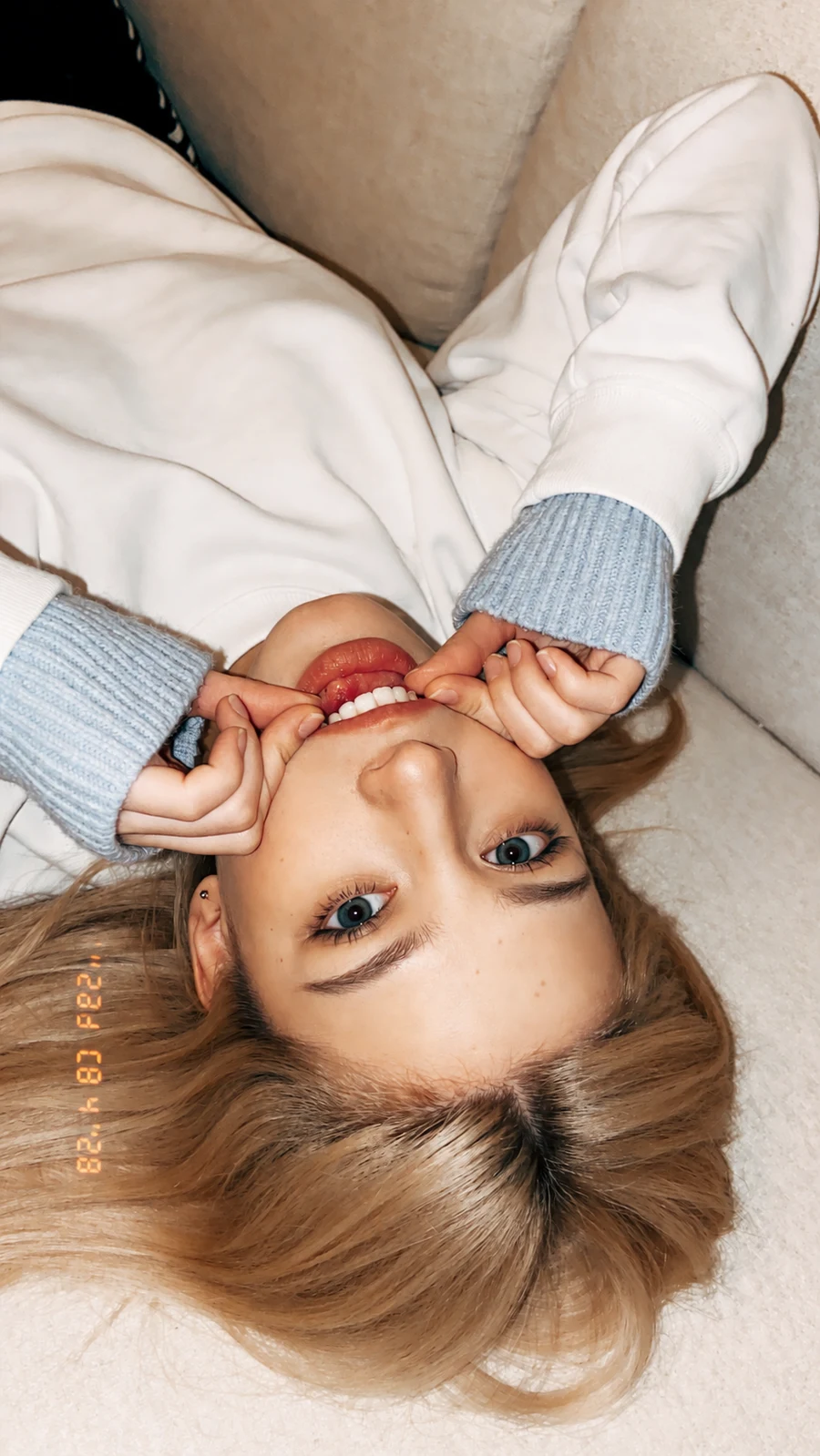
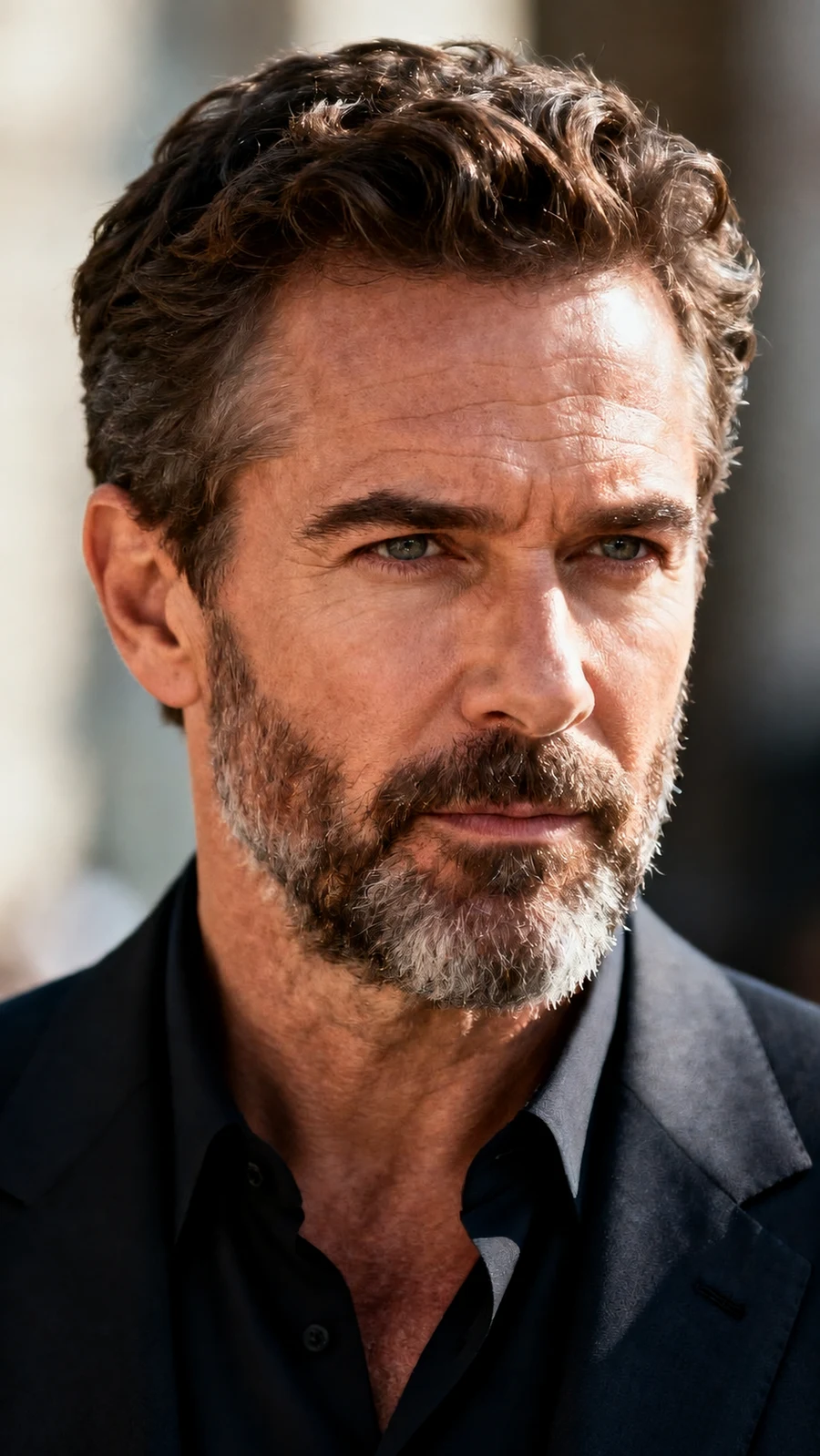
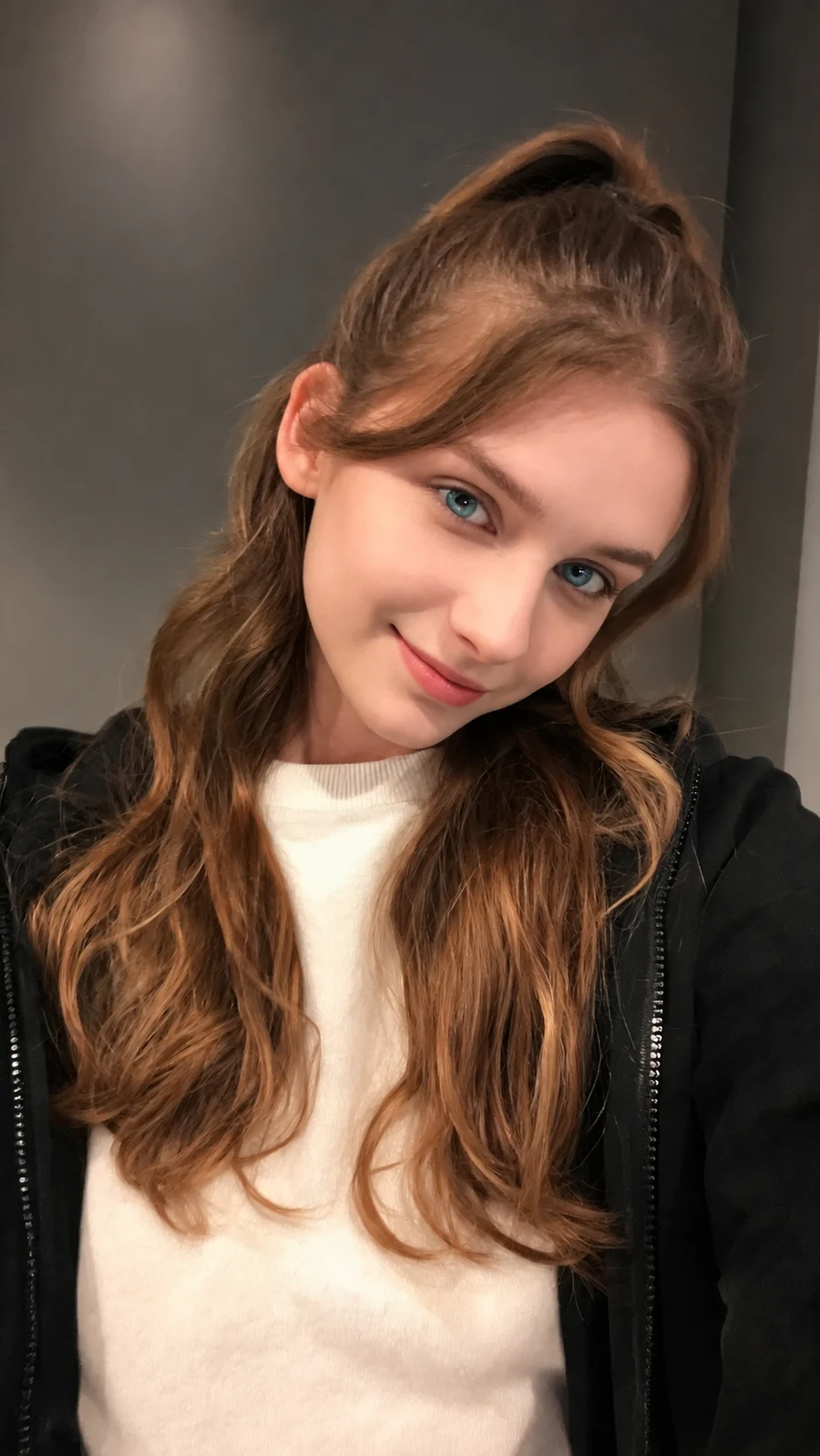
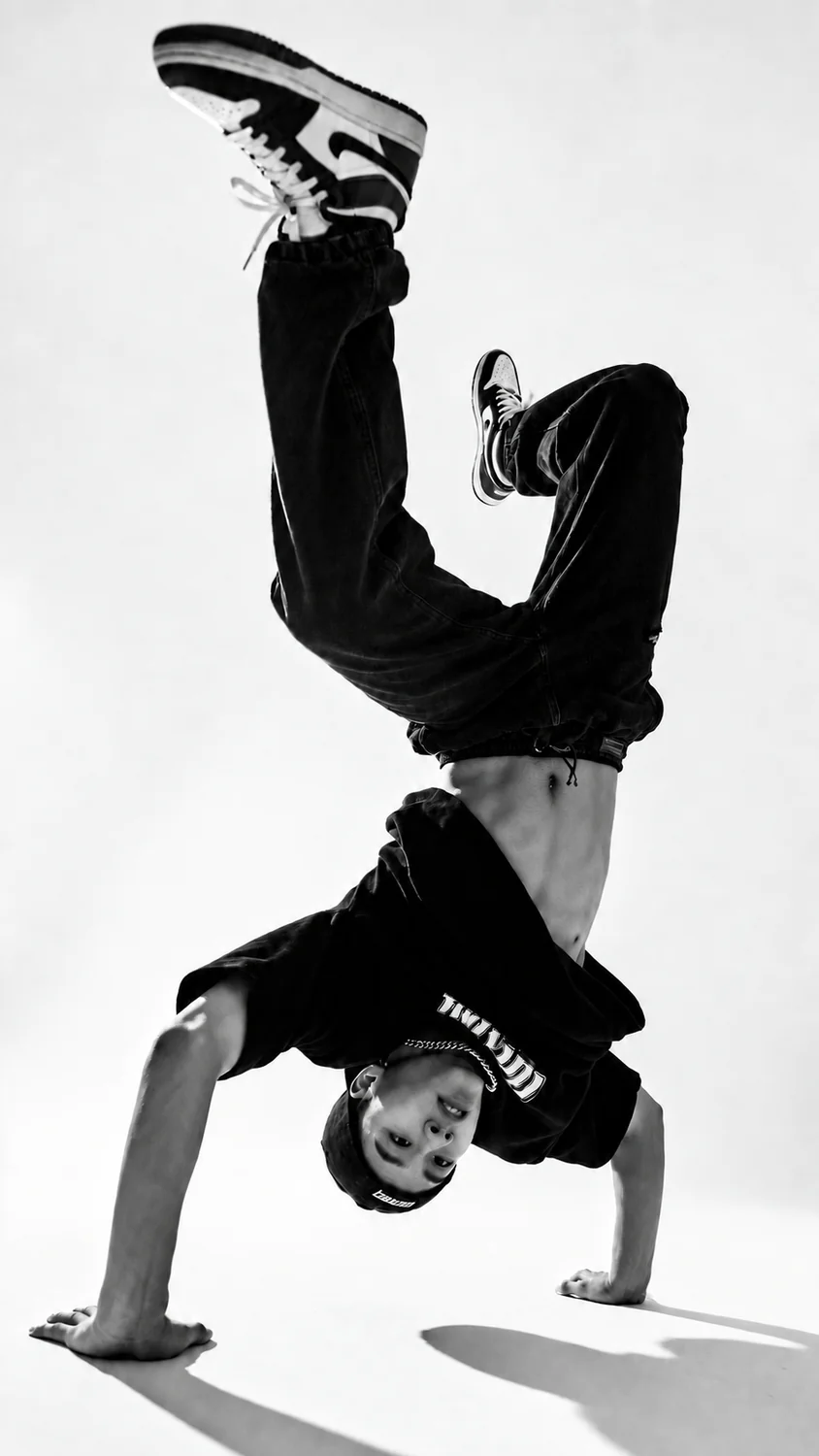
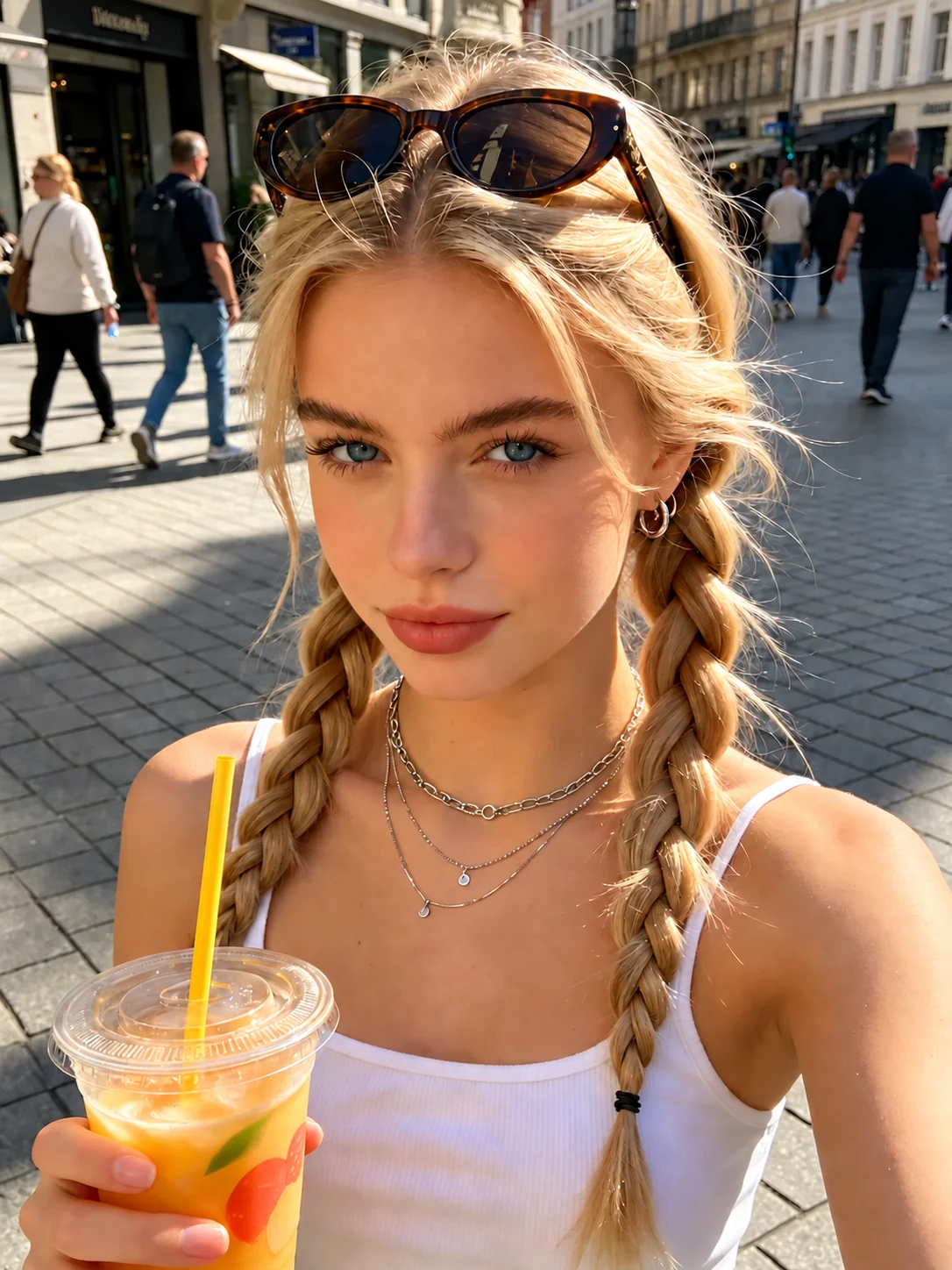
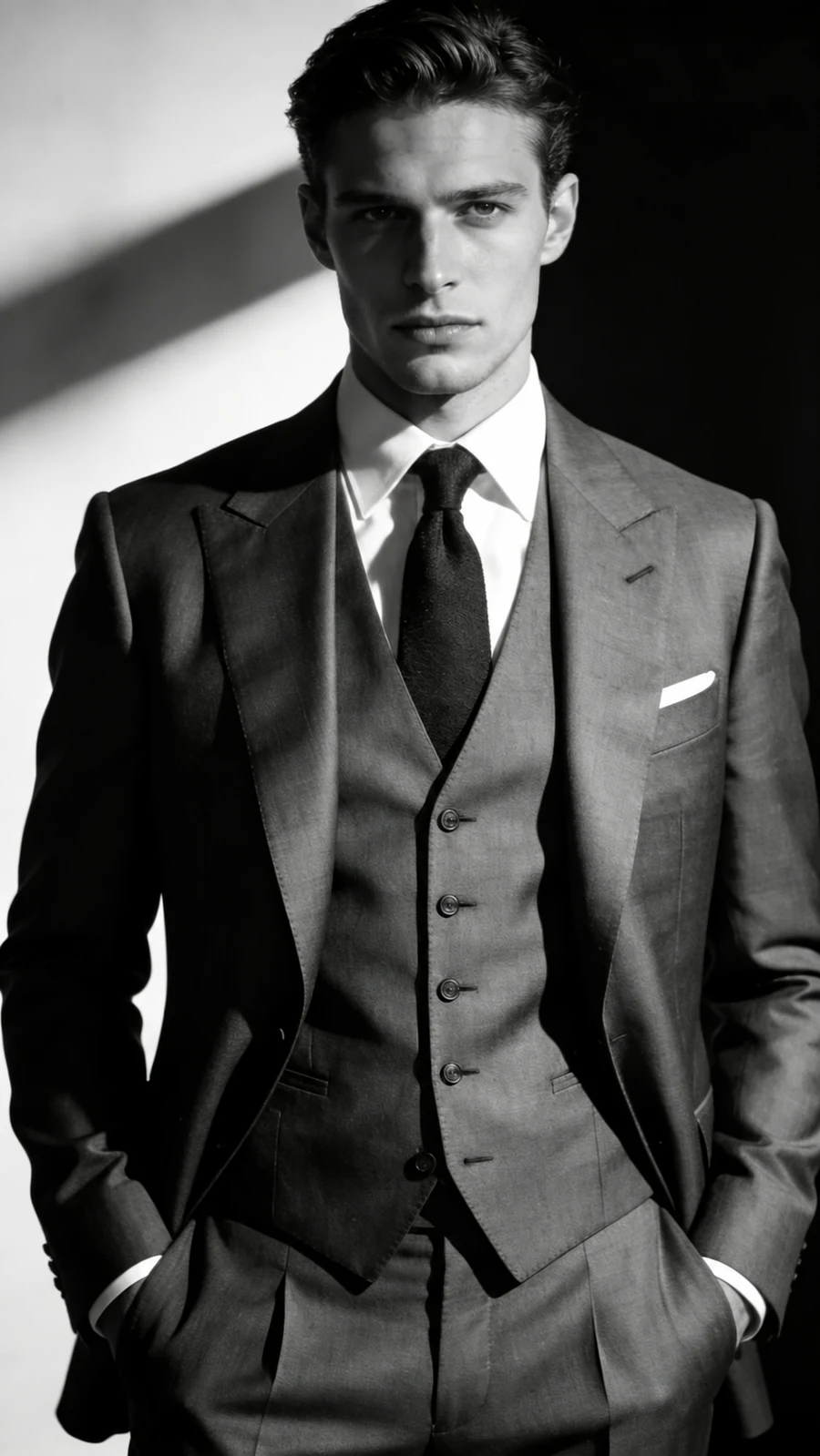
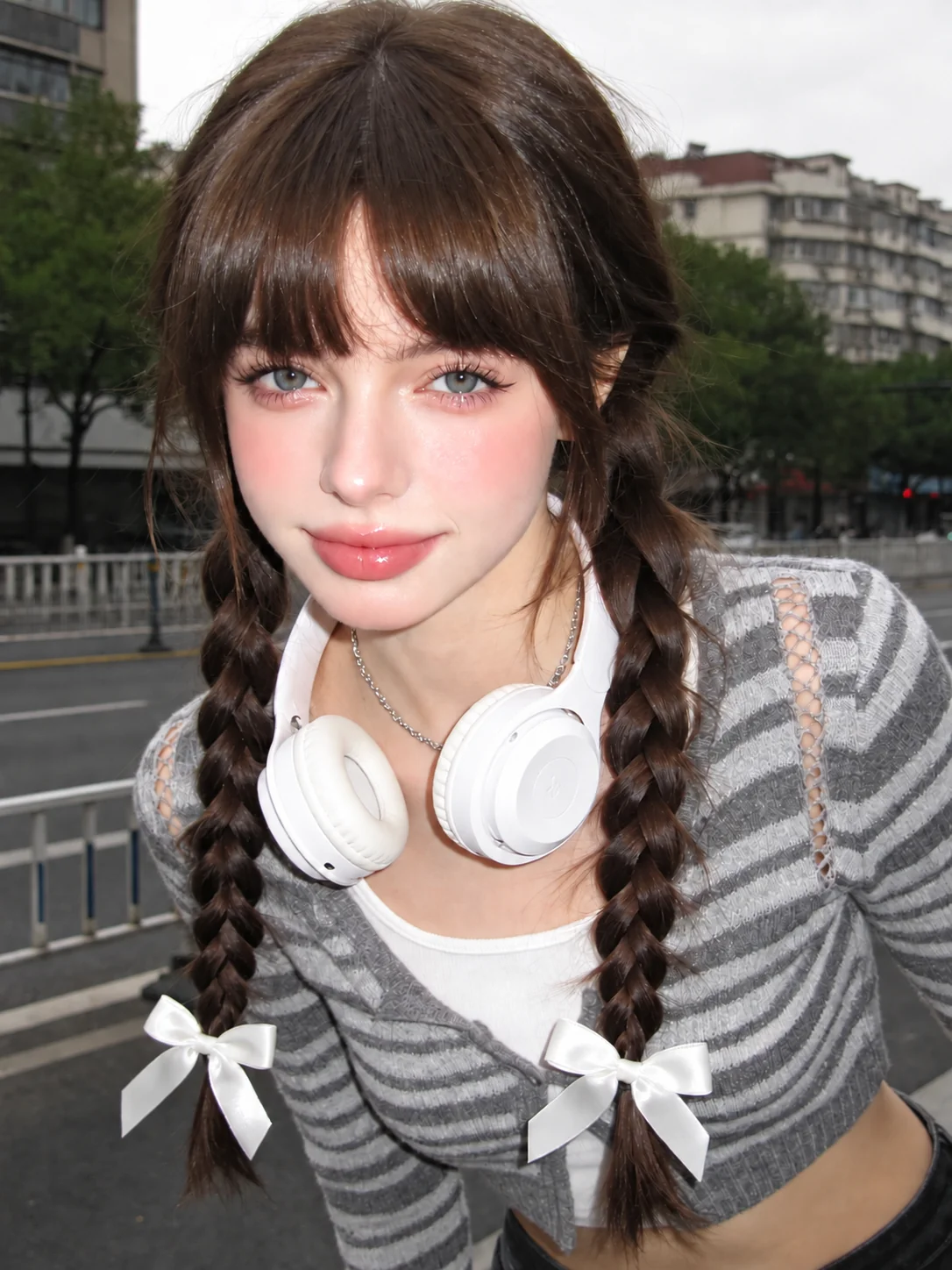

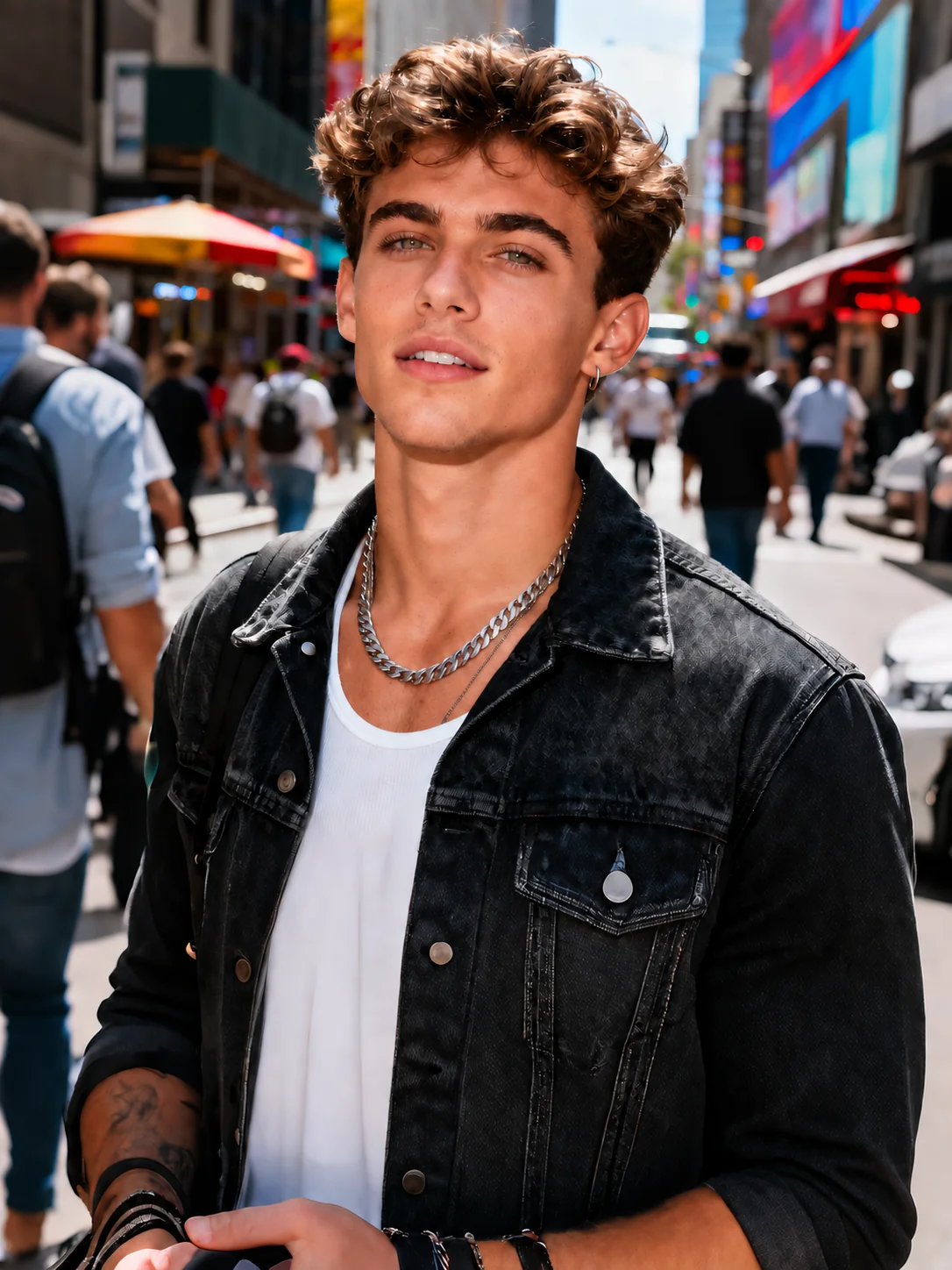
Explore a standing, seated, or hand pose with AI Pose Changer. For setup tips, see how to choose a source photo.
Change pose in photo with a relaxed stance or gentle torso turn, keeping your face, outfit, and setting in view.
Adjust a hand placement, soften raised shoulders, or relax your arms for a more natural portrait.
Change pose in photo with a seated gesture that fits the chair, table, and space already visible.
Change pose in photo to suit the image you want to share. Explore the AI Pose Changer overview or check credit options.
A subtle shoulder turn can give your profile photo a more relaxed, approachable feel.
Change pose in photo to find a body angle that keeps your jacket, accessories, and outfit details visible.
Explore a casual stance while keeping the location part of the picture.
Give a favorite snapshot a fresh gesture without asking for a whole new scene.
Change pose in photo with one small gesture or a broader body turn. Start with a clear direction and enough room in the frame.
For detailed instructions, follow the pose editing guide. Compare the result with your original photo to check the face, outfit, and background.
Choose the person and image you want to edit.
Use a library pose, your own reference, or a description.
Change pose in photo, review the result, and save your preferred variation.
Preserving the person's appearance is the goal, but identical facial details are not guaranteed. When you change pose in photo with a large head turn, hidden features may be reconstructed. Assess likeness against the original before choosing a result. Expression and facial proportions both contribute to a recognizable portrait.
You can request the original outfit while changing body position. Fabric folds, sleeve shapes, and covered areas may shift with the movement. Change pose in photo with realistic expectations about patterns, accessories, and details that the source does not show. Logos and repeated patterns deserve particular attention across newly bent fabric.
A seated position is an editing direction you can request, rather than a guaranteed transformation. To change pose in photo this way, the scene needs a believable support surface and enough room for the legs. A large posture change can affect surrounding objects. Change pose in photo with believable contact between body and seat.
Yes, you can describe a local adjustment instead of a new full body stance. Change pose in photo around one gesture, such as lowering an arm. The edit may still affect sleeves or background details; exact isolation is not guaranteed. Crossed fingers or hidden wrists can make small changes harder to assess.
It can. Moving a limb reveals areas that were hidden, so the model may reconstruct the setting. If you change pose in photo while requesting the same background, check edges, furniture, and shadows around the new body position. Newly exposed areas may differ from the original surroundings.
The studio has no person selection or masking control. Start with one clear subject. Naming someone in a group does not guarantee that only that person will change; other faces or body positions may be affected. Use a single subject when individual control is important.
Clear portraits with visible limbs and space around the subject provide useful context. Cropping, blur, and overlapping bodies leave less information for an edit. For preparation advice and control explanations, use the complete usage guide. Change pose in photo using details the source actually contains.
No. Rotation turns the entire image. When you change image pose, you reposition the person within the scene. You can edit pose in photo portraits toward a new gesture; rotation alone cannot bend a knee. To change photo pose is to change body arrangement. Neither operation automatically guarantees a better composition.
Choose the photo you want to change, add a pose reference or describe a movement, and review your photo and instructions before generating.